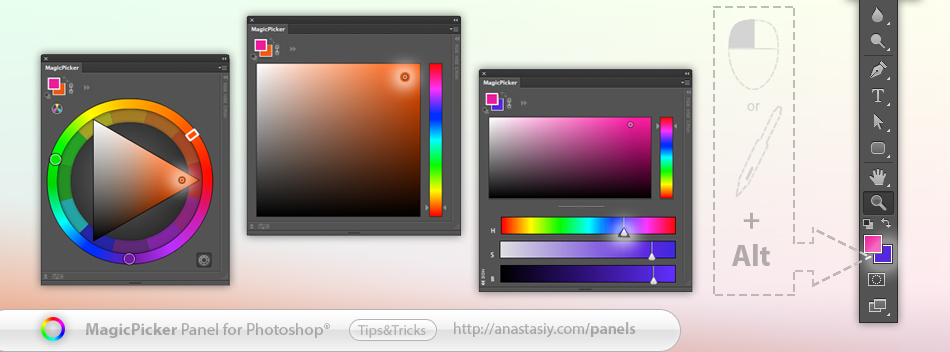
Change background while holding Alt. While holding Alt on your keyboard click on MagicPicker to choose color. The background will change instead of foreground. Works everywhere – color wheel, color box, color sliders.
Programming, designing, painting, thinking, taking pictures and sharing tutorials
Change background while holding Alt. While holding Alt on your keyboard click on MagicPicker to choose color. The background will change instead of foreground. Works everywhere – color wheel, color box, color sliders.
You can turn MagicPicker’s color wheel in Photoshop so red is pointing up. From a painting color wheel where warm colors are on the top, cools are on the bottom to design-ish one with zero Hue degree on the top. (Use Settings of MagicPicker’s menu).

Works both on Traditional and HSV color wheels
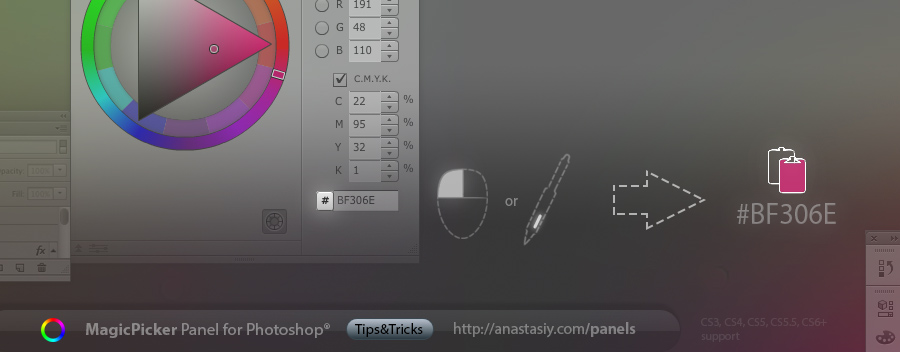
Tip#12: Copy hex value of color to clipboard with one click on the “#” button! (MagicPicker panel’s RGB/HSB/CMYK pane). New in MagicPicker 2.2.
http://anastasiy.com/colorwheel
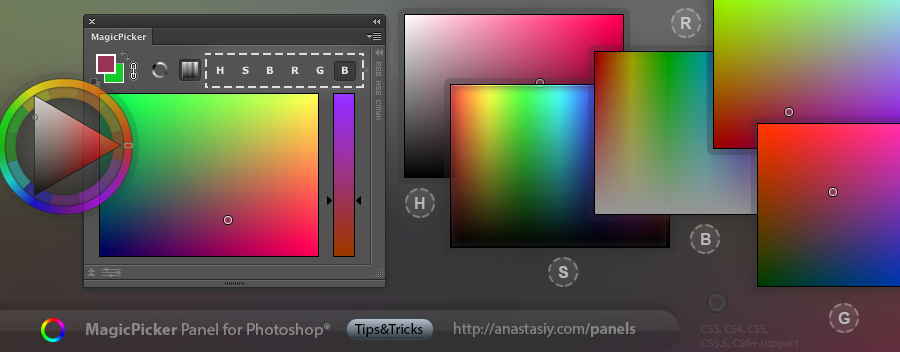
Change color mode for picking colors in MagicPicker. Choose different color palettes from color wheel to standard Photoshop modes. You can completely replace standard Photoshop color picker adding all spectacular MagicPicker’s features (including profile-calibrated CMYK conversion). Perfect for painting, graphic design, print and web. It makes MagicPicker the most powerful instrument for working with colors in Photoshop.
In MagicPicker link Background to Foreground color so BG color changes accordingly to FG changes (or vise versa). Make foreground color darker or cooler, or do a hue shift and background will change automatically. Use it to adjust your overall painting gamma very fast.
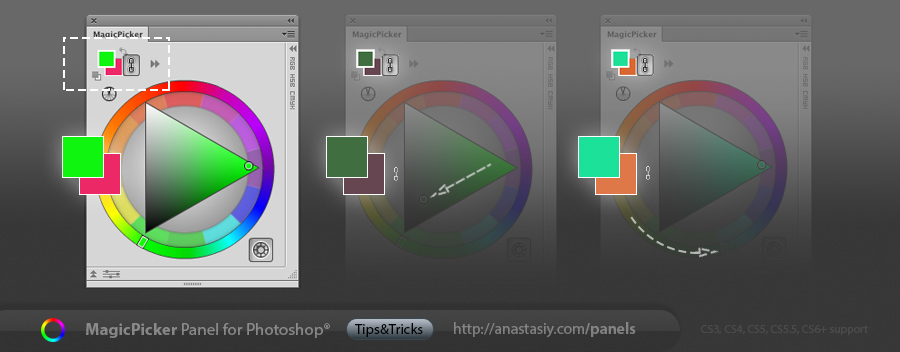
Use it in color wheel or any other color mode.
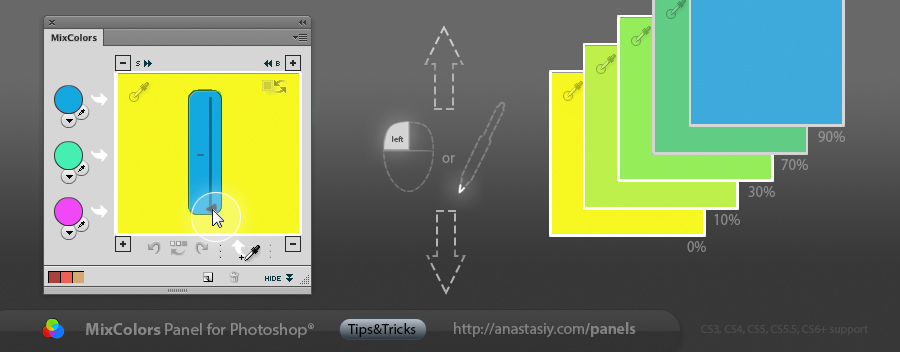
In MixColors hold and then move your mouse (or pen) to change the amount of paint you’re adding to the mix. The paint is correctly mixed with the main color – like it’s in real life. When you pick more paint the mix will be different. You can do it in different areas of MixColors interface.
All our panels, including MagicPicker are freely scalable. You can make them as big or as small as you want depending on your monitor size or interface needs. The MagicPicker’s interface elements are smartly scaled when you scale the panel. And you can use it freely on new Mac Retina display as well (and Windows HiDPI)!
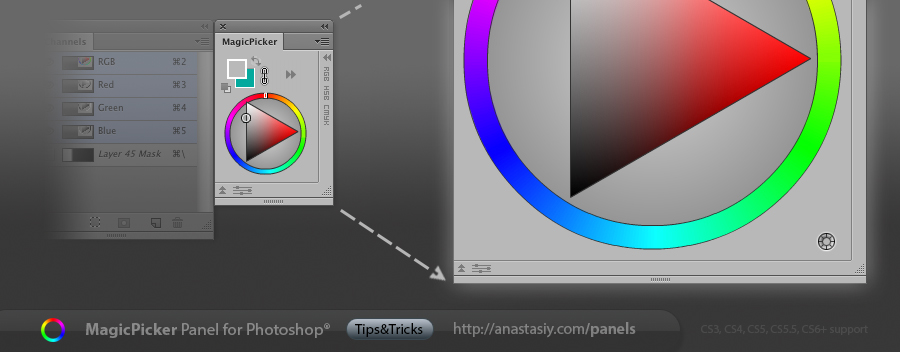
*They can be scaled down to even smaller than Photoshop native panel to keep your screen real estate clean.
Favorite fonts list! Preview all (installed & uninstalled) fonts with DiskFonts panel on your disk wherever you like and add them to list of favorites whenever you want. Fonts you marked as Favorite will always be available to you inside Adobe Creative Suite from Favorites list. Favorites list stores font location on your disk so you never forget it.
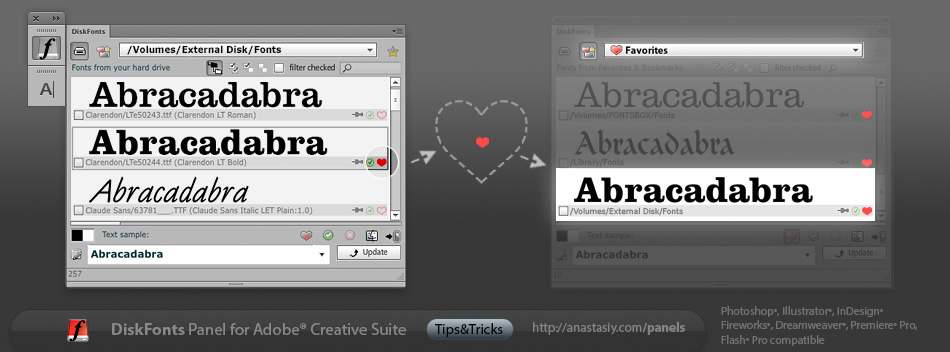
Works inside Photoshop, Illustrator, InDesign, Fireworks, Dreamweaver, Flash Pro and Premiere Pro (Windows/Mac).
http://anastasiy.com/diskfonts
Attach MixColors to MagicPicker to have a single panel with huge current color, mixing, swatches, color wheel and all the features of both panels working in collaboration for easier usage. It includes Compact Mode and all color tasks you need. Click MagicPicker’s/MixColors’ menu -> Attach Panels… to do that.
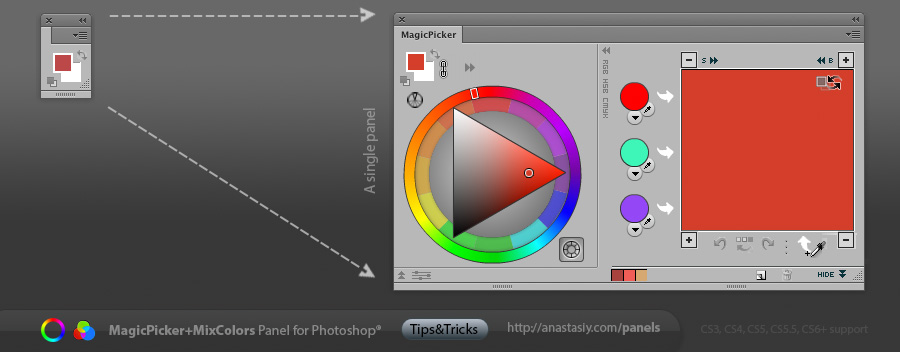
The combined panel works faster. You can also use new panel in Compact Mode when you have the panel minimized and it automatically expands (no click needed) when you move mouse over it.
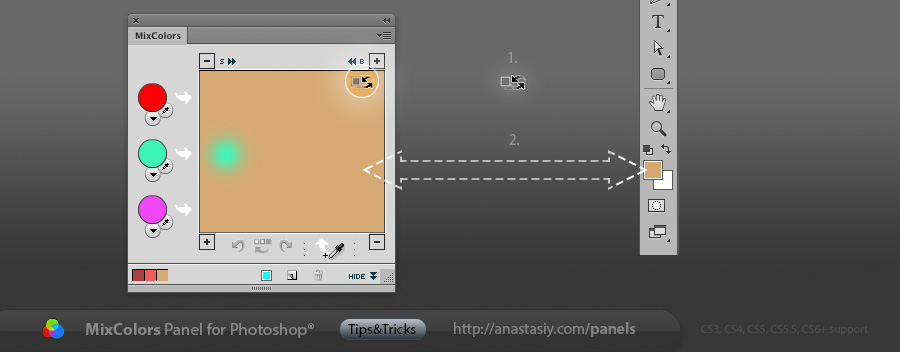
MixColors can automatically update Photoshop’s current color with the mixed color while you’re mixing. 1. Click the “Auto-sync color with Photoshop” button. 2. Mix colors with MixColors panel and paint with new color in Photoshop right away. *Click this button again to switch back to the unsync’d mode, where you first mix the right color and then send it to Photoshop.
(This is one of the modes for MixColors, the others will be covered in the following tips).