New MagicPicker 10! Color Areas, Native Apple Silicon, Photoshop 2026 & more

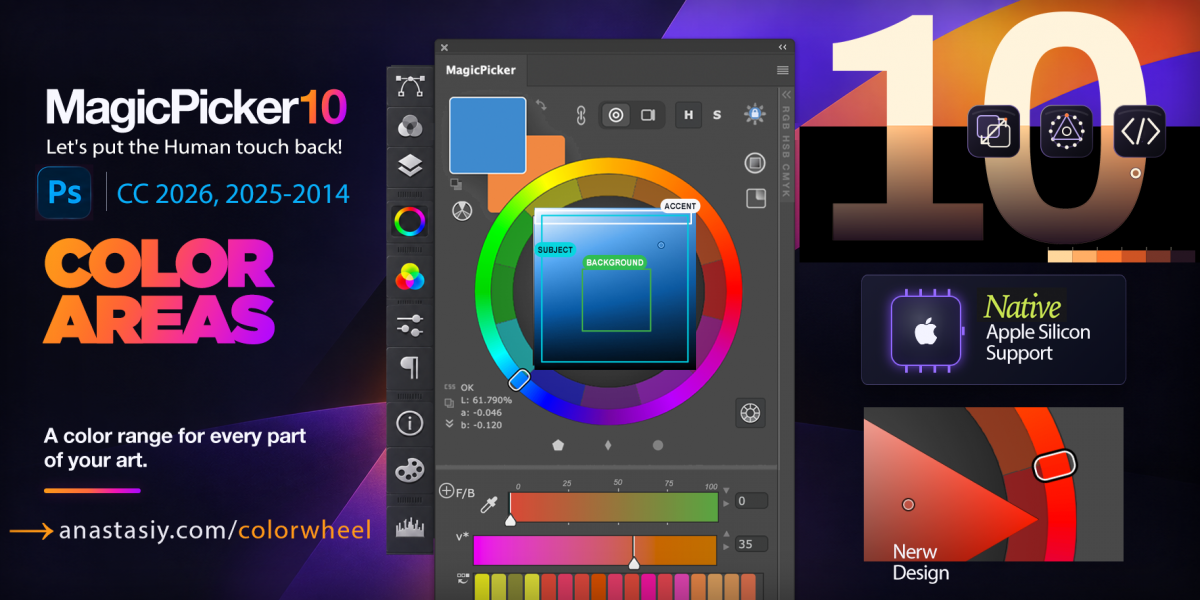
New MagicPicker 10 is here! Let’s put the Human touch back! Give every part of your artwork its own color range with Color Areas, work natively on Apple Silicon, and enjoy a redesigned color picker built for Photoshop 2026 (version 27).

Upgrade is discounted—hurry! Upgrade to MagicPicker 10 · Discover MagicPicker 10, the Photoshop Color Wheel

What’s new in MagicPicker 10

  • Color Areas: Define a limited range on the color wheel or color box—or extract one from an image in one click—and pick colors only within it. Give backgrounds, subjects, and accents their own color ranges.
  • Native UXP and Apple Silicon support: Built for Photoshop 27, without Rosetta.
  • Resizable swatches: Drag foreground and background swatches to your preferred size.
  • Redesigned interface: Redrawn controls with refined alignment.
  • 12-point color harmony: Instantly select any of 12 primary colors.
  • Persistent HUD: Keep the color picker visible while painting, including with Wacom Ink.
  • CSS and Tailwind export: Export swatches to stylesheets in one click.
  • Expanded color systems: OKLab, OKLCH, HSB, HSL, RGB, CMYK, Pantone, Munsell, and more.
  • Print-safe picking: Flags out-of-gamut colors as you work.
  • Compatibility: Windows 11, macOS, Windows ARM, and Illustrator and Photoshop CS6 / CC 2014–2026.

*You need Adobe Photoshop CC 27.8+ to install Apple Silicon M version
**In the Apple Silicon UXP version, realtime color picking is available in HUD Mode only


Upgrade MagicPicker

Read more about MagicPicker, the Photoshop Color Wheel

Black Friday & Cyber Monday discounts

Anastasiy’s MagicPicker Pro Color Wheel HUD, MagicTints AI Color Matcher, and MagicSquire Pro brush control for Adobe Photoshop and Creative Cloud. Get up to 60% off here:

Limited time discounts: 

https://anastasiy.com/blackfriday – 60% off!

MagicPicker 9 color wheel (35% off)
MagicTints 3, one-click color matcher (50% off)
MagicSquire 6, professional brush manager (30% off)
MixColors 5, color mixer (30% off)

MagicRefs 2, reference manager (30% off)
DiskFonts 1.2, font manager (30% off)

60% off Black Friday/Cyber Monday discounts

Anastasiy’s MagicPicker Pro Color Wheel HUD, MagicTints AI Color Matcher, and MagicSquire Pro brush control for Adobe Photoshop and Creative Cloud. Get up to 60% off here:

Limited time discounts: 

https://anastasiy.com/blackfriday – 60% off!

MagicPicker 9 color wheel (35% off)
MagicTints 3, one-click color matcher (50% off)
MagicSquire 6.1, professional brush manager (30% off)
MixColors 5, color mixer (30% off)

MagicRefs 2, reference manager (30% off)
DiskFonts 1.2, font manager (30% off)

Important Updates! Full latest Photoshop CC 2024 support

Photoshop CC 2024 has updated and we have too! Please use new versions if you’re on new Adobe Creative Cloud 2024 and have activation problems, it says your activation data is invalid, or the panel is blank, color wheel doesn’t work etc.

New MagicSquire 7.4-Organize brushes in colorful groups with tags, now with HUD popup and granular brush controls)
Upgrade MagicSquire to v7.4

New MagicPicker 9.3 -Professional color wheel HUD, now with Munsell support and a lot of new features and improvements:
Upgrade to MagicPicker v9.3

New MixColors 5.4 -Enhance your painting skills with color mixing and color swatch managing
Upgrade to MixColors to v5.4

New MagicTints 3.5 -1-click AI & Machine Learning granular color matching in Adobe® Photoshop, Illustrator, InDesign
Upgrade to MagicTints to v3.5

New MagicRefs 2.4 -Tag, search and collect images locally in Photoshop, also Rotate, Resize and Collage and use as references:
Upgrade to MagicRefs to v2.4

INSTALL WITH latest Anastasiy’s Extension Manager 4 for Adobe Creative Cloud (officially recommended by Adobe)

Black Friday/Cyber Monday discounts

Anastasiy’s MagicPicker Pro Color Wheel HUD, MagicTints AI Color Matcher, and MagicSquire Pro brush control for Adobe Photoshop and Creative Cloud. Get up to 60% off here:

Limited time discounts: 

https://anastasiy.com/blackfriday – 60% off!

MagicPicker 9 color wheel (35% off)
MagicTints 3, one-click color matcher (50% off)
MagicSquire 6.1, professional brush manager (30% off)
MixColors 5, color mixer (30% off)

MagicRefs 2, reference manager (30% off)
DiskFonts 1.2, font manager (30% off)

Tip#127: CIE Luv – color space used by digital pros

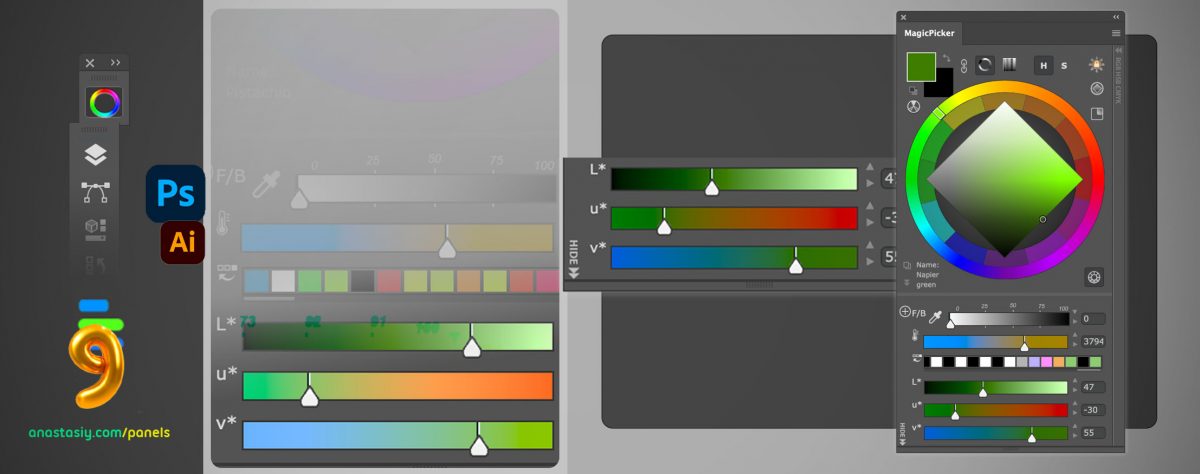
Adapt color gamma used by digital pros with CIE Luv – one of many color spaces of 🌺 MagicPicker 9 for #Photoshop. Superior color coverage, perceptual brightness support. Just like Lab but much better!

  1. Open sliders on the bottom
  2. Click “+” and select CIE Luv

From series of tutorials for MagicPicker, advanced color wheel for Photoshop

Upgrade your creativity – all panels receive full Adobe CC 2024 support, more

New MagicSquire 7.3-Organize brushes in colorful groups with tags, now with HUD popup and granular brush controls)
– Full Photoshop CC 2024 support
– Keyboard Shortcuts handling improved
– UI Framework speeded up
– Minor fixes and improvements
Upgrade MagicSquire to v7.3

New MagicPicker 9.2 -Professional color wheel HUD, now with Munsell support and a lot of new features and improvements:
– Full Photoshop CC 2024 compatibility
– Performance improvements, small UI fixes
Upgrade to MagicPicker v9.2

New MixColors 5.3 -Enhance your painting skills with color mixing and color swatch managing
– Full Photoshop CC 2024 compatibility
– Tuned mixing formula
– Speeded up UI framework
Upgrade to MixColors to v5.3

New MagicTints 3.4 -1-click AI & Machine Learning granular color matching in Adobe® Photoshop, Illustrator, InDesign
– Improved compatibility with Photoshop CC 2024
Upgrade to MagicTints to v3.4

New MagicRefs 2.3 -Tag, search and collect images locally in Photoshop, also Rotate, Resize and Collage and use as references:
– Full Photoshop CC 2024 compatibility
– Performance improvements, small UI fixes
Upgrade to MagicRefs to v2.3

INSTALL WITH latest Anastasiy’s Extension Manager 4.1 for Adobe Creative Cloud (officially recommended by Adobe)

Tip#126: Mix and match color sliders in MagicPicker

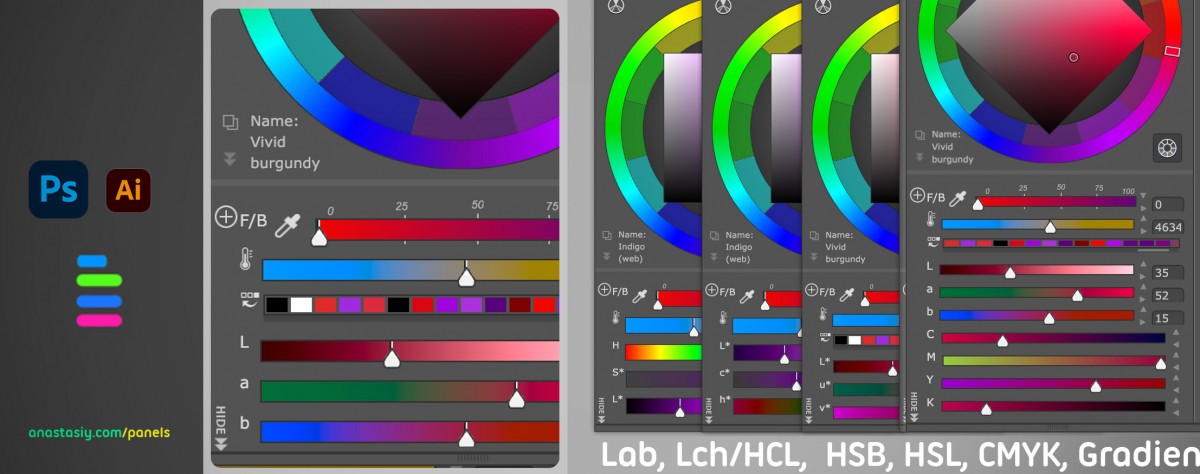
Mix and match on Lab, Lch/HCL, HSB, HSL, CMYK, Gradient, CIE L*u*v*, Grayscale, RGB sliders with MagicPicker in #Photoshop. Use all advanced color spaces meant for digital art.

  • Click ⊕ to add sliders
  • Rearrange and remove individual sliders by dragging them

From series of tutorials for MagicPicker, pro color wheel for Photoshop

Tip#125: Use MixColors, MagicSquire, MagicPicker together

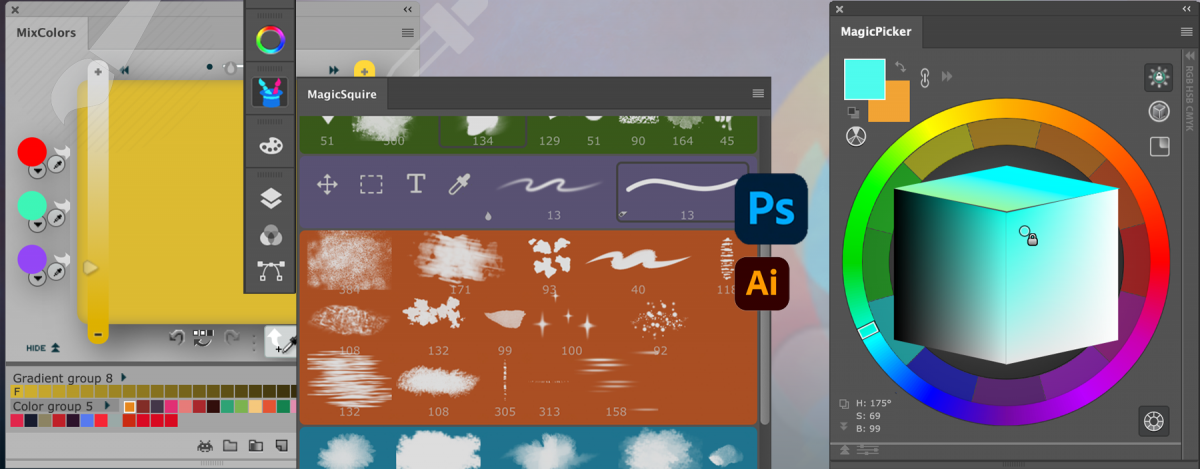
Mix, pick, and paint with next level accuracy in Adobe Photoshop. 🧙‍♂️ ✨ Combine MagicPicker, MagicSquire, and MixColors panels to access pro color spaces and advanced brush dynamic

Try or update MagicPicker, MagicSquire, MixColors

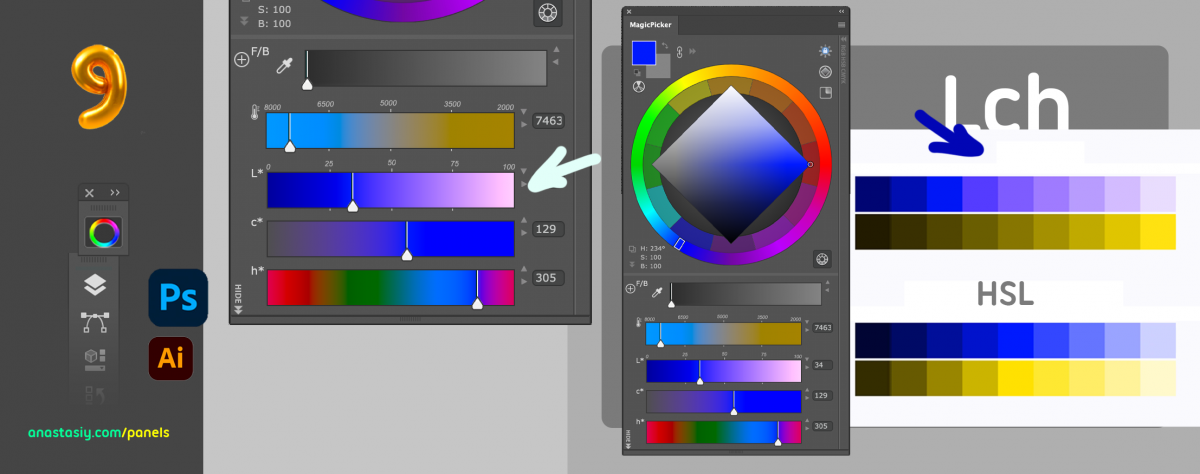
Tip#124: Vivid, precisely graded hues with L*c*h color space of MagicPicker

Achieve vivid, precisely graded hues easily using exclusive MagicPicker 9’s L*c*h sliders on color wheel. Boost UI/shade painting with a uniform spectrum in Photoshop

  1. Click on the “+” button on the top left to add new sliders
  2. Choose “L*c*h” from the menu
  3. Use new sliders

From series of tutorials for MagicPicker, best advanced Photoshop color wheel for pros