Tags are more user-friendly! Search improved, Collections speeded up, Brush Tip rotation is faster with Keyboard Shortcuts, sync brushes to Dropbox is better. LAST chance update discount until March 9th 2019!

Programming, designing, painting, thinking, taking pictures and sharing tutorials
Tags are more user-friendly! Search improved, Collections speeded up, Brush Tip rotation is faster with Keyboard Shortcuts, sync brushes to Dropbox is better. LAST chance update discount until March 9th 2019!


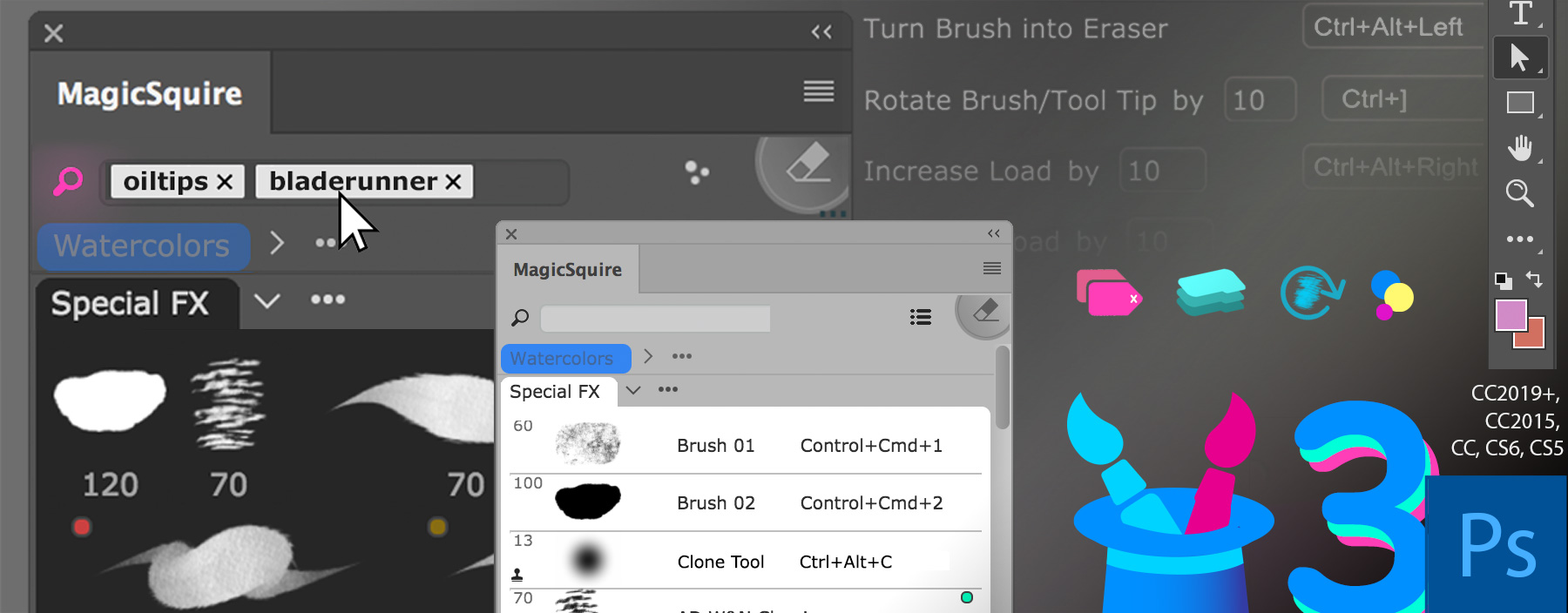
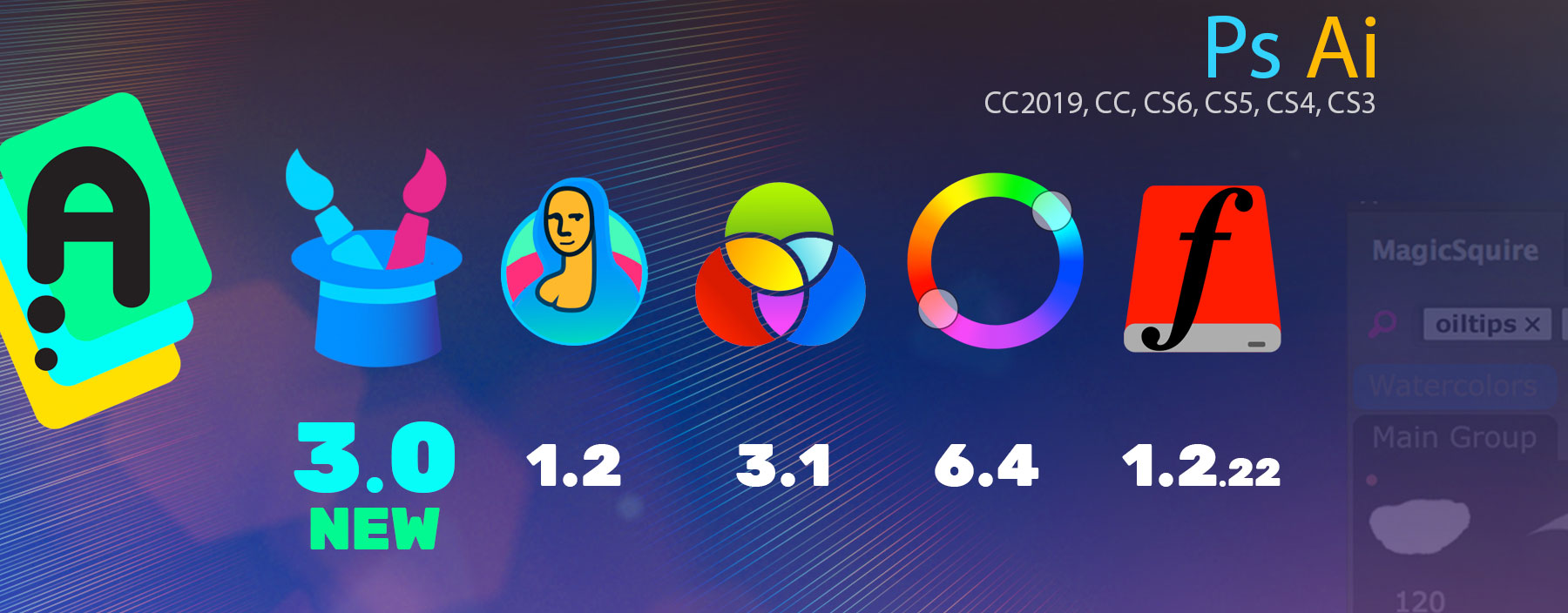
New MagicSquire 3.0 is here:
– New UI Framework! Great performance improvement
– Also tags, Keyboard Shortcuts, Brush Group collections and much more in version 3.0!
– Invalid signature (a.k.a. “The extension could not be loaded because it
was not signed correctly”) problem fixed
New MagicSquire, brush organizing panel for Photoshop
New MagicRefs 1.2 is here:
– New UI Framework! Great performance improvement
– Invalid signature (a.k.a. “The extension could not be loaded because it
was not signed correctly”) problem fixed
New MagicRefs, life is easy with reference images in Photoshop
New MagicPicker 6.4 is here:
– New UI Framework!Great performance improvement
– Invalid signature (a.k.a. “The extension could not be loaded because it
was not signed correctly”) problem fixed
New MagicPicker, advanced Photoshop color wheel panel
MixColors 3.1:
– New UI Framework! Great performance improvement
– Invalid signature (a.k.a. “The extension could not be loaded because it
was not signed correctly”) problem fixed
New MixColors, Photoshop color mixer
DiskFonts 1.2.22:
– New UI Framework! Great performance improvement
– Invalid signature (a.k.a. “The extension could not be loaded because it
was not signed correctly”) problem fixed
New DiskFonts, Photoshop font viewer and manager
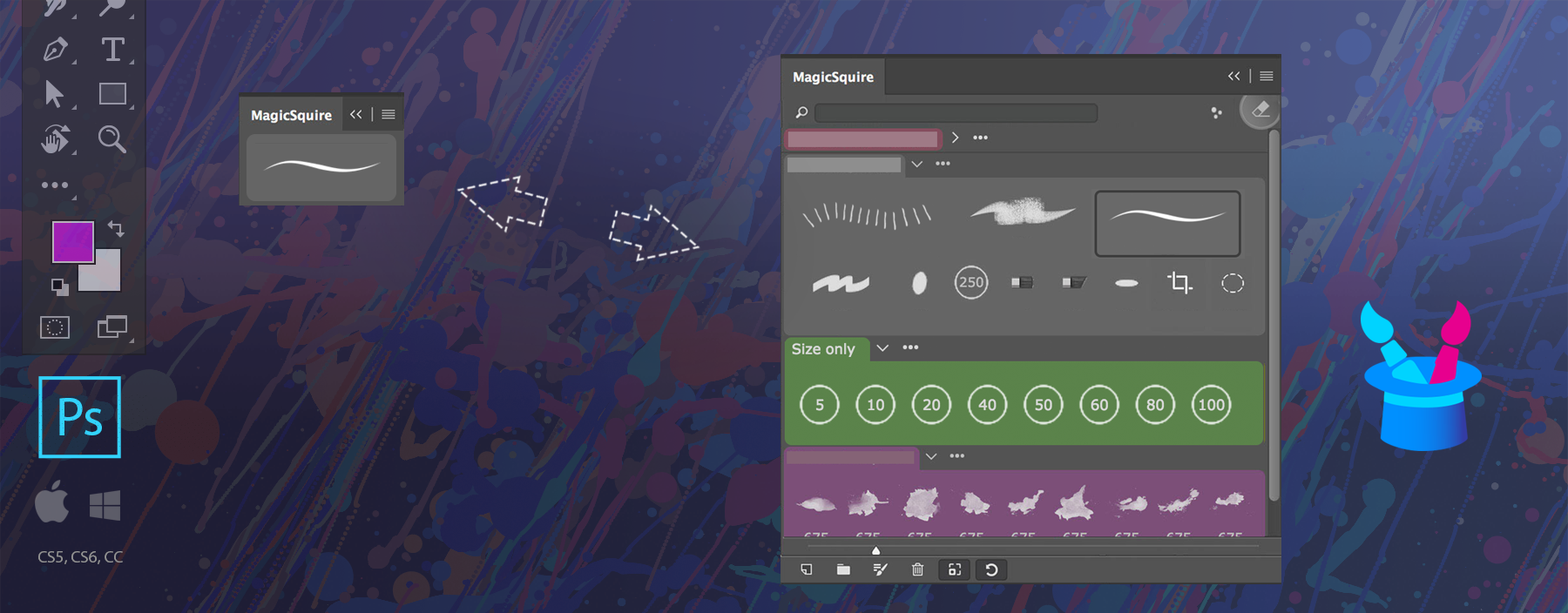
The BIGGEST update ever to MagicSquire panel! Tags! Keyboard Shortcuts to individual brushes. Group Collections. Store and sync brushes to Cloud(s), Rotate brush/tool tip with keyboard, more Keyboard Shortcuts, Capture color, even more
WHAT’S NEW:
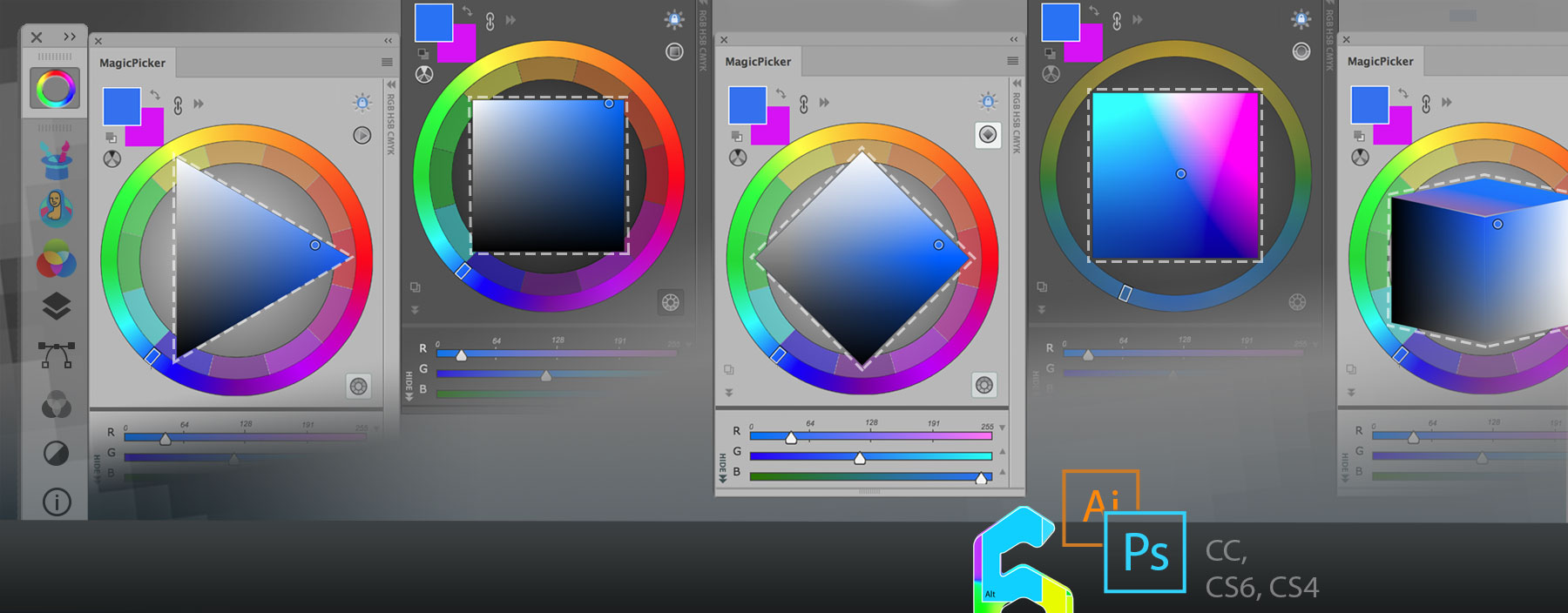
In addition to Triangle, Box, Diamond and Color Temperature modes of the MagicPicker color wheel panel recent version 6.3 adds LDT Color Cube mode.

LDT Color Cube mode lets you adjust shaded/saturated color preserving its perceived brightness and on the same color space adjust color temperature. To switch modes click on the button on the top right to get the tool best matching your painting style and a better color coverage in shades and saturation!
Works in Adobe Illustrator and Photoshop CS3, CS4, CS5, CS6, CC, CC2014, CC2015, CC2017, CC2018, CC2019.
MagicPicker, the color wheel and advanced color picker for Adobe Photoshop and Illustrator
Shrink entire MagicSquire panel into a small icon of your current Photoshop brush. When your cursor hovers this icon the panel automagically expands back to full brush groups. Click MagicSquire menu -> Compact Mode to activate this mode and save screen real estate for your art.

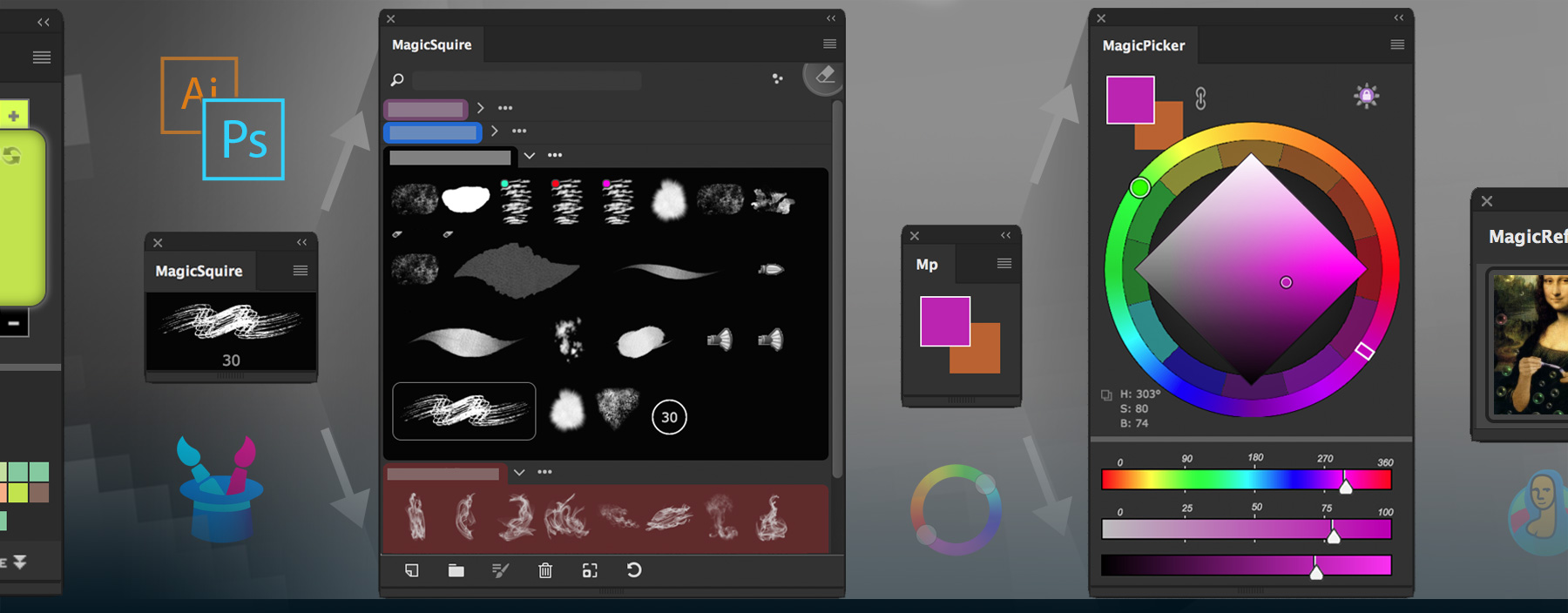
MagicSquire is a professional brush group manager for Adobe Photoshop.

NEW IN v1.1:
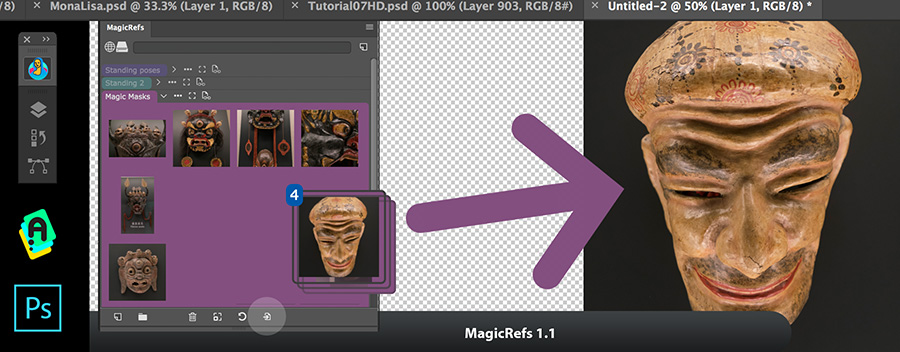
Read more about MagicRefs, the advanced reference image asset organizer in Photoshop

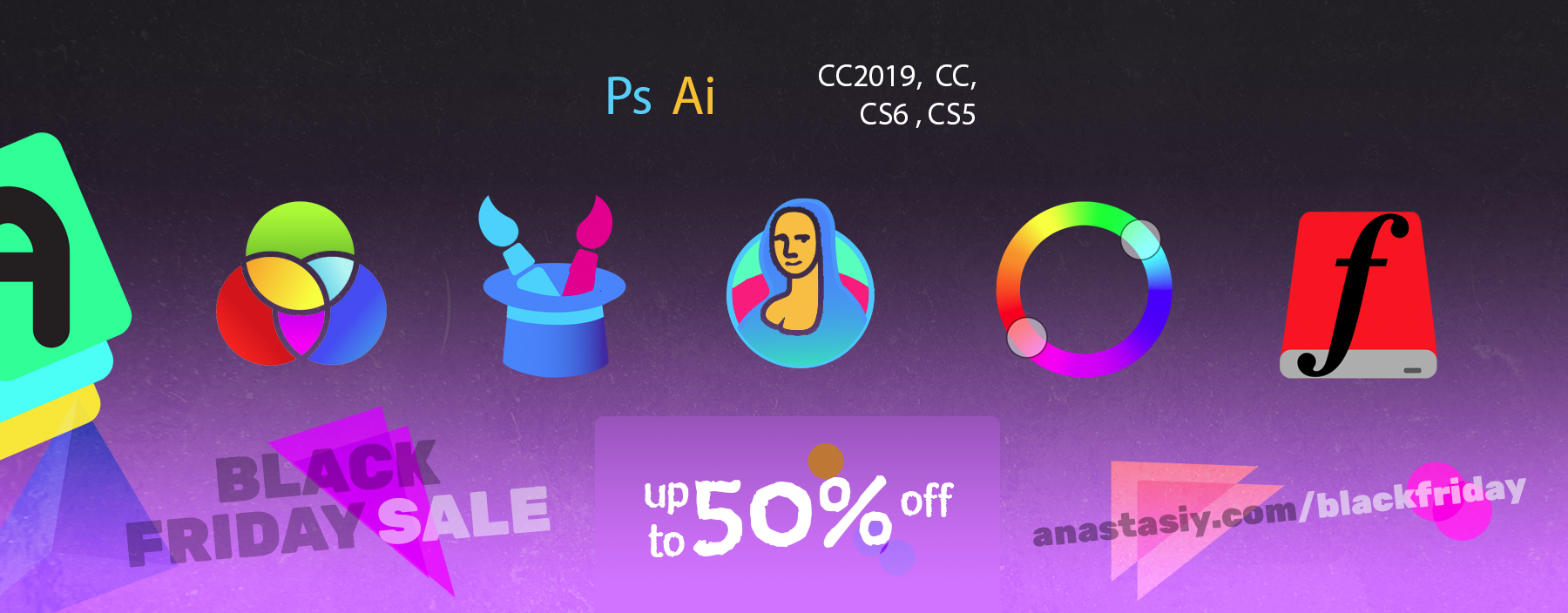
Get massive discounts up to 50% at anastasiy.com. All following Plugins for Adobe Photoshop (and Adobe Creative Suite/Cloud) are on sale for a limited time!
MagicPicker, the advanced color wheel and color picker for Adobe Photoshop
MagicRefs, professional Image Reference manager
MagicSquire, brush and tool preset group manager

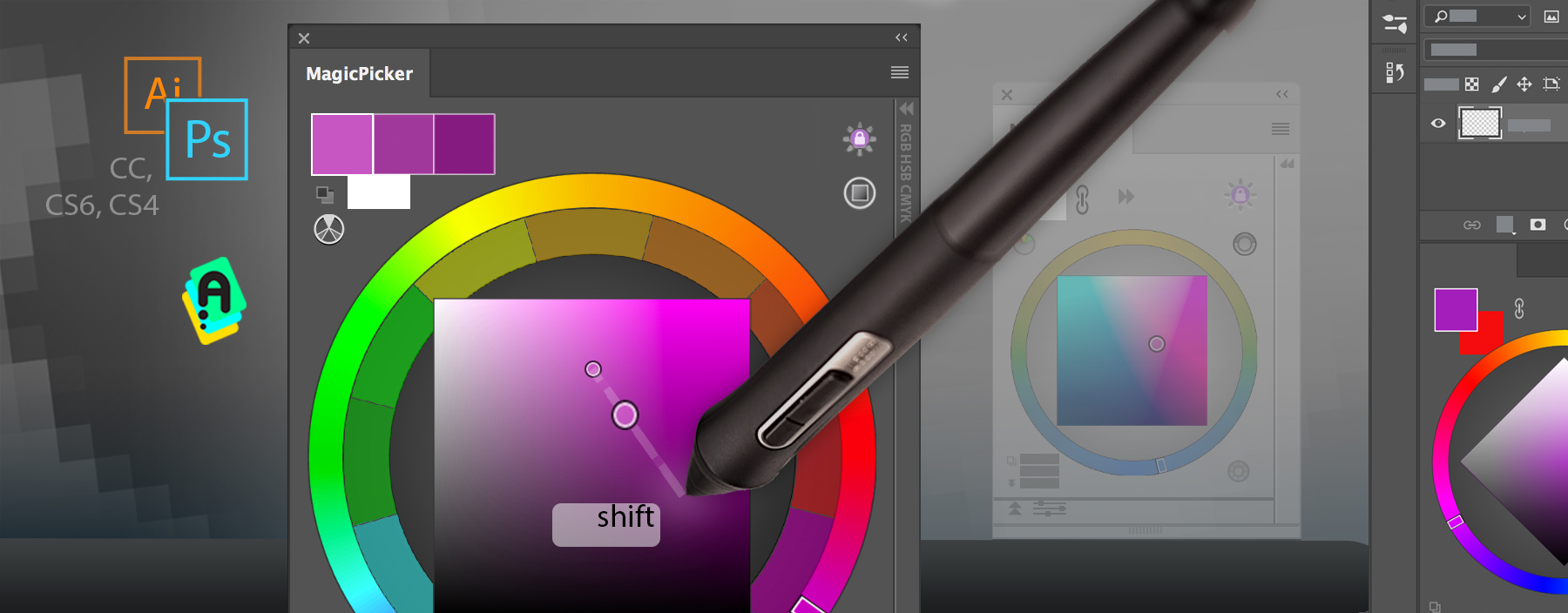
Shift+click inside the MagicPicker color wheel panel to move color wheel pointer towards cursor. Works in Photoshop and Illustrator and allows to slightly change current color with great precision! This feature supports all color wheel and color pane modes of MagicPicker.
MagicPicker is the professional color picking solution of Adobe Photoshop and Illustrator.
Install/Uninstall/Update/Manage all your Adobe extensions and panels easily with new FREE Anastasiy’s Extension Manager 3.0! Supports all 3rd party extensions for Adobe Photoshop, Illustrator, InDesign, Animate, Flash Pro, Premiere Pro, Dreamweaver, Fireworks. Now supports Adobe XD. Officially recommended by Adobe!