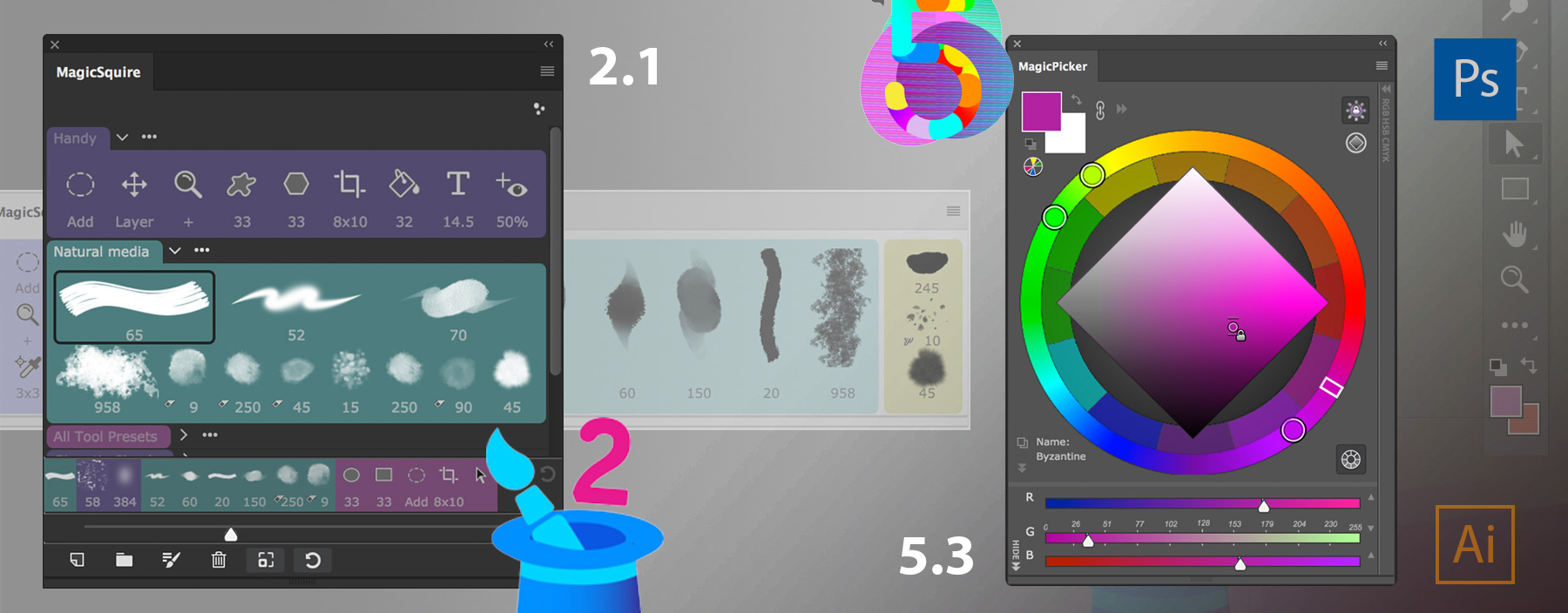
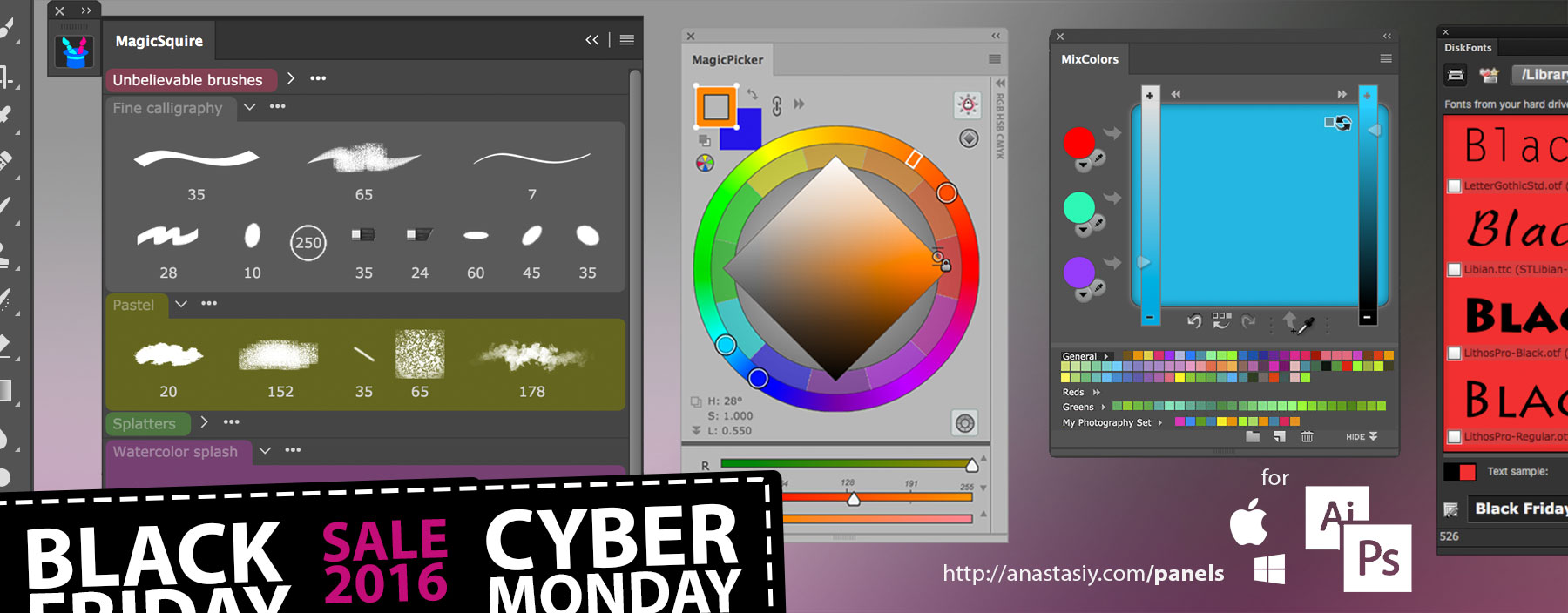
MagicPicker color wheel 5.3, MagicSquire brush organizer 2.1
MagicPicker color wheel panel 5.3:
– Improvements to Compact Mode
– Support for recent Adobe platform updates
– Improved right-click behavior in Color Scheme mode
– Improved Compact Mode
– Improved activation
– Fixed linking background and foreground in Traditional Color Wheel mode
– Improved Color Temperature Wheel in different scenarious
– Improved loading time of the panel
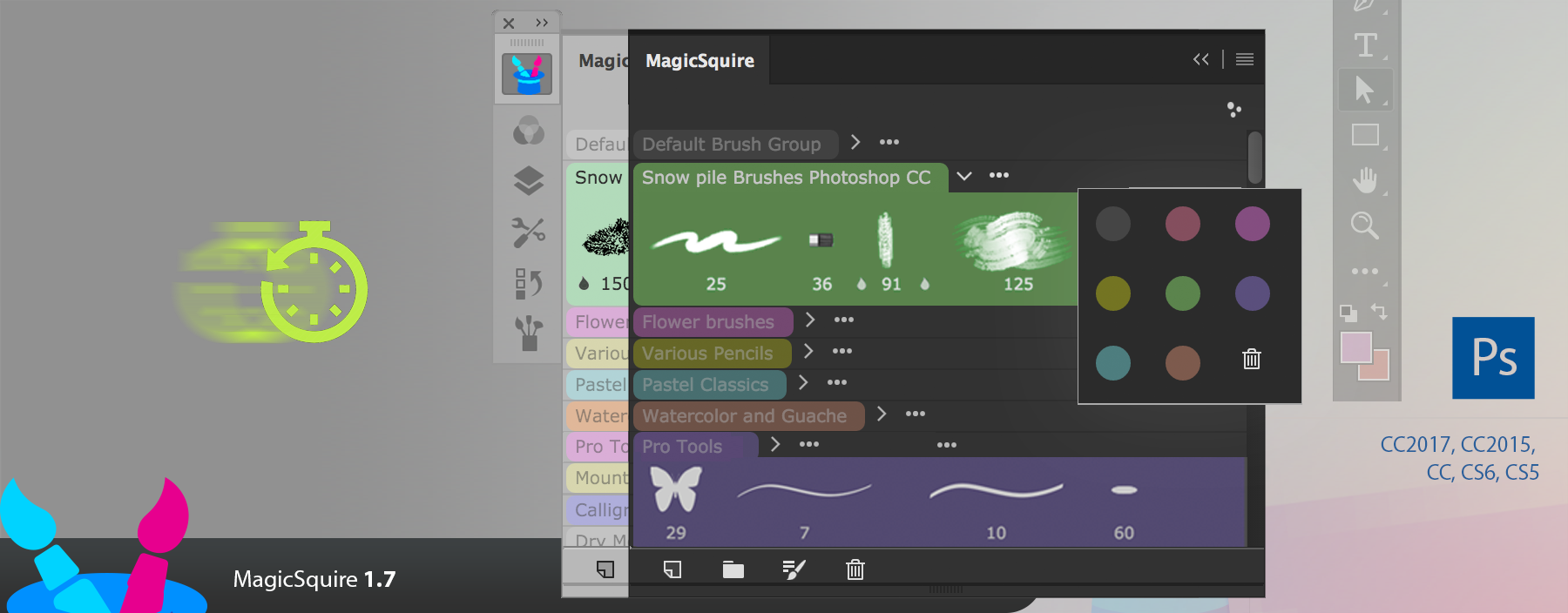
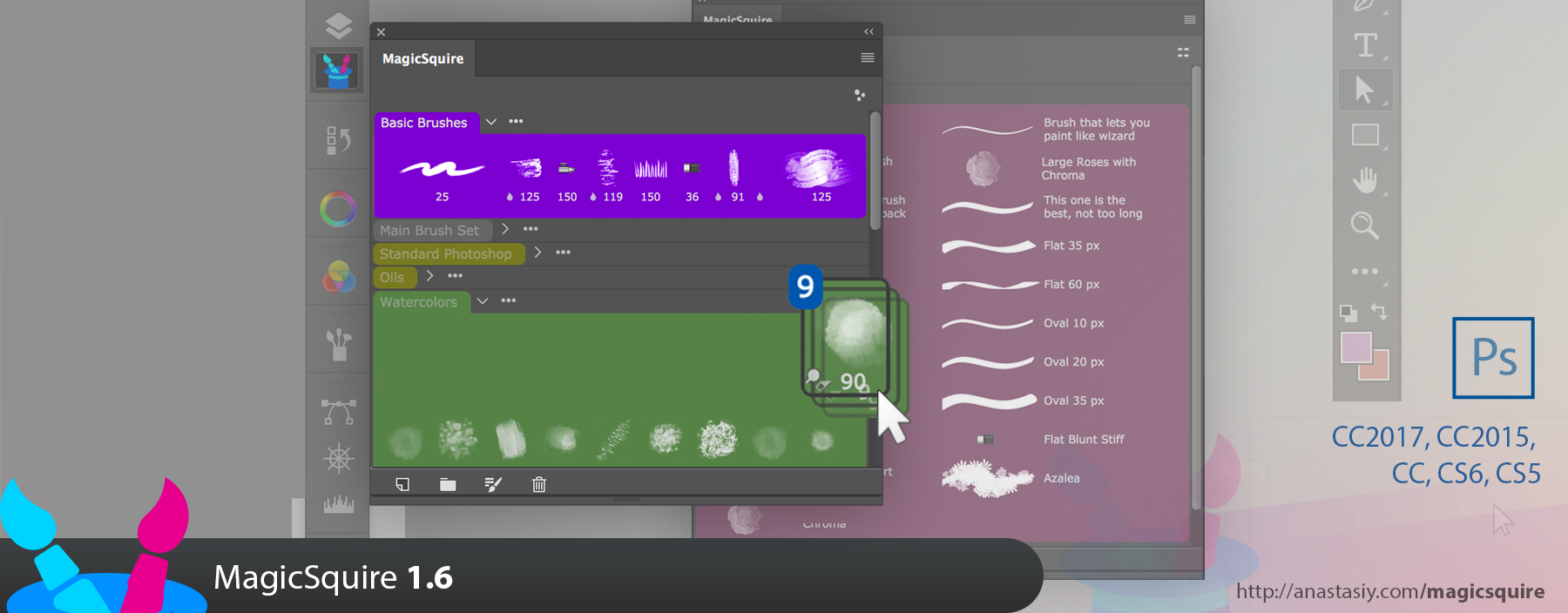
MagicSquire 1.7, faster, new group colors, load multiple brush files
What’s new:
– Various optimizations and speed improvements to UI & loading brushes, in many scenarios speed improved by 5x, especially on Photoshop CC 2014/2015/2017
– Loading of multiple brush (and tool presets) .ABR/.TPL files at once is now supported
– New default colors for groups!
– Fixed Compact Mode on Photoshop CC 2017.1.1 and above
– Fixed messaging
– Small bug fixes
New MagicSquire 1.6 is here!
– Drag’n’drop and deletion of multiple brushes is now supported
– Fixed a bug connected to Photoshop’s bug with “sample data not found” message when loading .tpl files
– Fixed varios UI conflicts connected to dialogs
– Improved drag’n’drop on CS5 and CS6 for Wacom, Huion and Ugee tablets
– Improved compatibility with .tpl files
– Multiple performance improvements
Anastasiy’s Photoshop Panels website is all new! Better navigation, better information layout, better access to your favorite Adobe® Photoshop and Illustrator panels for expert brush management, advanced color picking, collecting fonts and more. Loved by industry professionals worldwide!
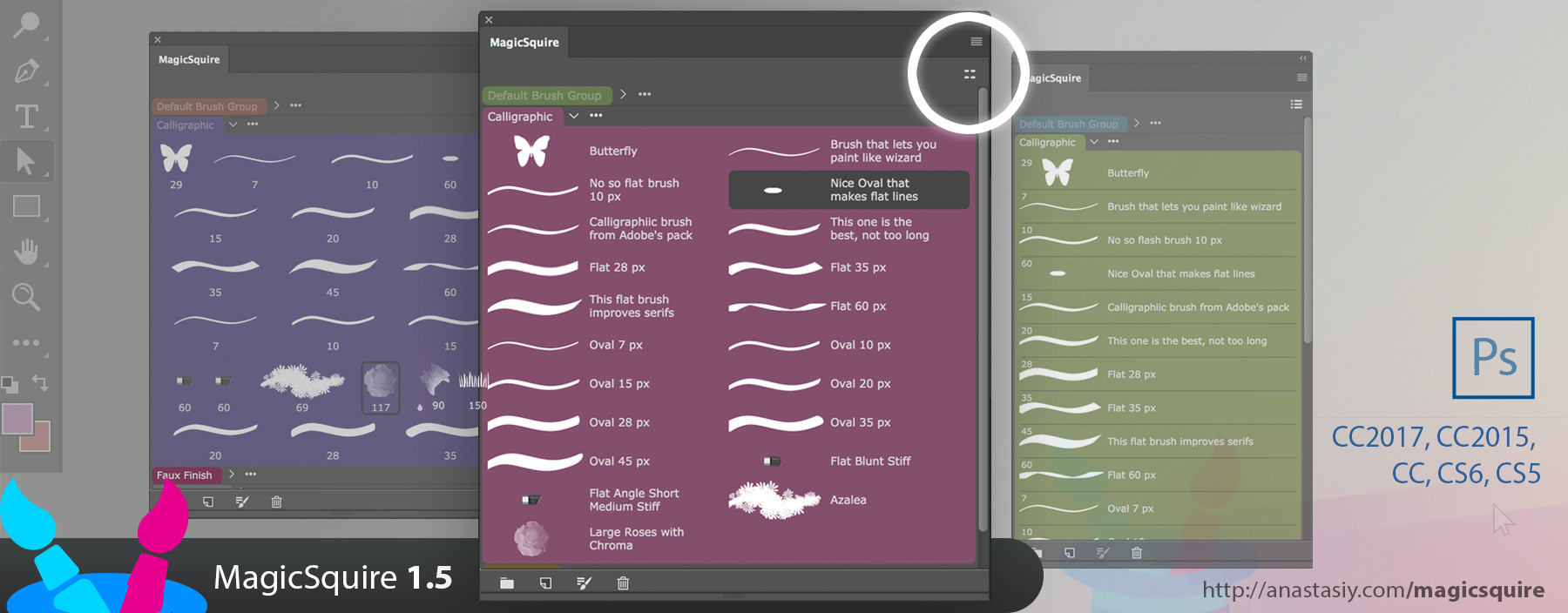
New MagicSquire 1.5 displays your brushes and tools in full detail with 2 new list modes! Full brush names & resizable columns that adapt your workspace. Edit names with double-click. Even more!
Brush lists with names with MagicSquire 1.5
WHAT’S NEW:
– Click new button the top right for two new Brushes/Tools display modes: Detailed list view with Brush/Tool names and adaptive multi-column list
– Direct editing of Brush/Tool names by double-clicking them
– Now you can assign arbitrary colors to the groups by editing MagicSquire.json in Documents folder. Change “colorCode”‘ value to a hex RGB color like “#3197FF” (in quotes)
– Improved handling and displaying of Pencil presets
– Improved UI on CS5, CS5.5 and CS6
– Improved panel behavior when there are many groups of brushes on CS6
– Panel now supports more .abr types
– Various UI improvements and speedups
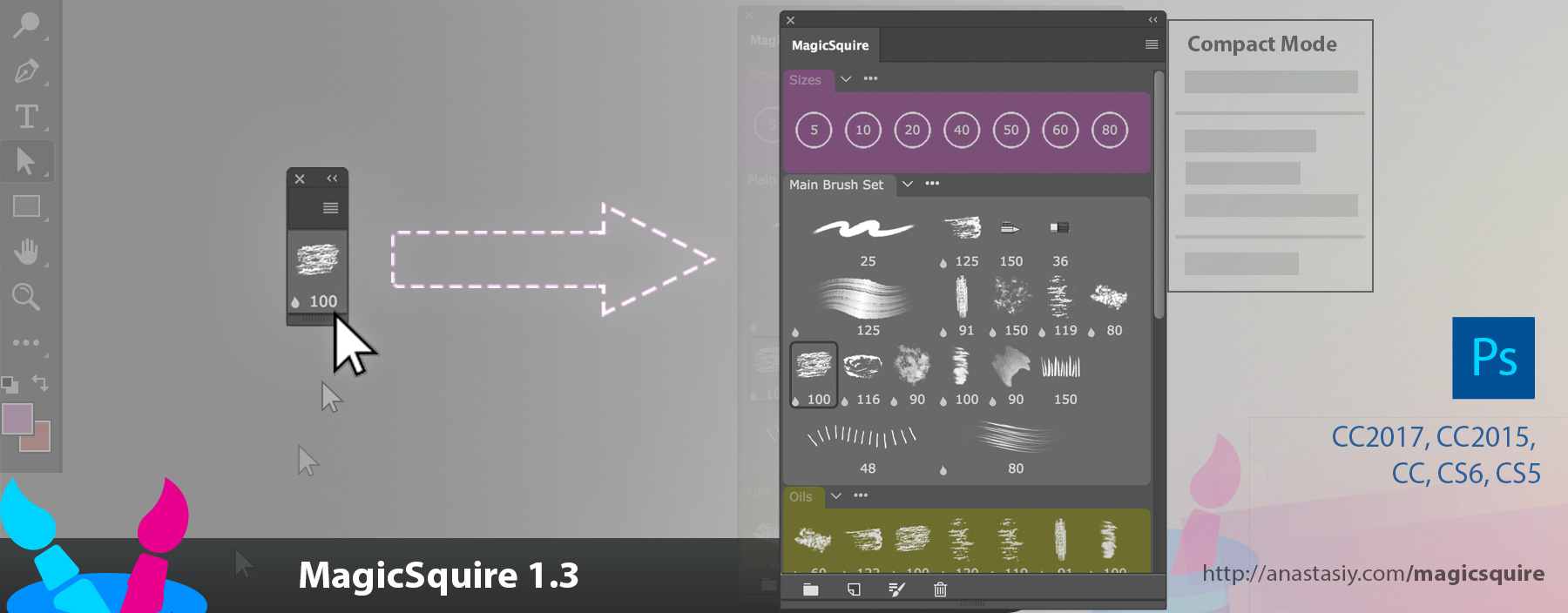
– NEW! Use new touchlessCompact Mode (click MagicSquire menu, then Compact Mode). Panel shrinks to a one-brush display, when you hover your cursor over the panel it expands to the full brush view! Now click to select brushes. Switch between two views without a single click.
– NEW! ALT-click a brush to use it as a Eraser or any other tool! Works the following way: 1) Alt-click the brush 2) Select the new tool you want to apply the brush to. Paint and erase with the same brush!
– More improvements and fixes to brush/tool handling on Adobe Photoshop CS5, CS6, CC, CC2014, CC2015 and CC2017
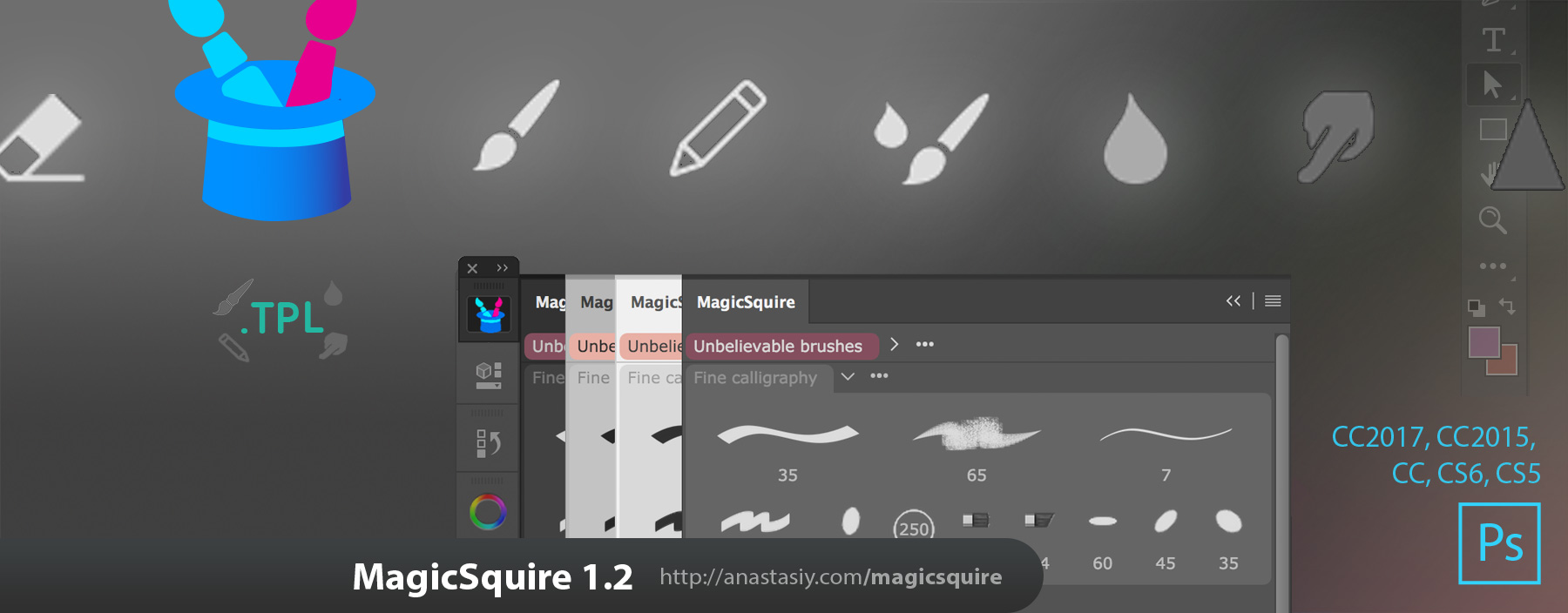
Now you can organize and group Brushes, Mixer Brushes, Erasers, Smudge Tools, Pencils, etc.! You got it! MagicSquire 1.2 panel now supports Tool Presets and .TPL files. Still supporting Photoshop CS5, CS6, CC, CC2014, CC2015, CC2017.
MagicSquire 1.2 supports Tool Presets and .TP:L files
IMPROVEMENTS AND NEW FEATURES IN MagicSquire 1.2:
– Supports Tools Presets and advanced brushes: Brush, Mixer Brush, Smudge, Eraser, Pencil, etc.!
– Add, organize, drag’n’drop, move between groups, assign colors to the Tool Presets the same way you did it with the brushes
– Load .TPL files and to add various Tools from files into Photoshop (in addition to .ABR files support)
– Another performance boost. Close/open/hide/show panel with unprecedented speed!
– more!
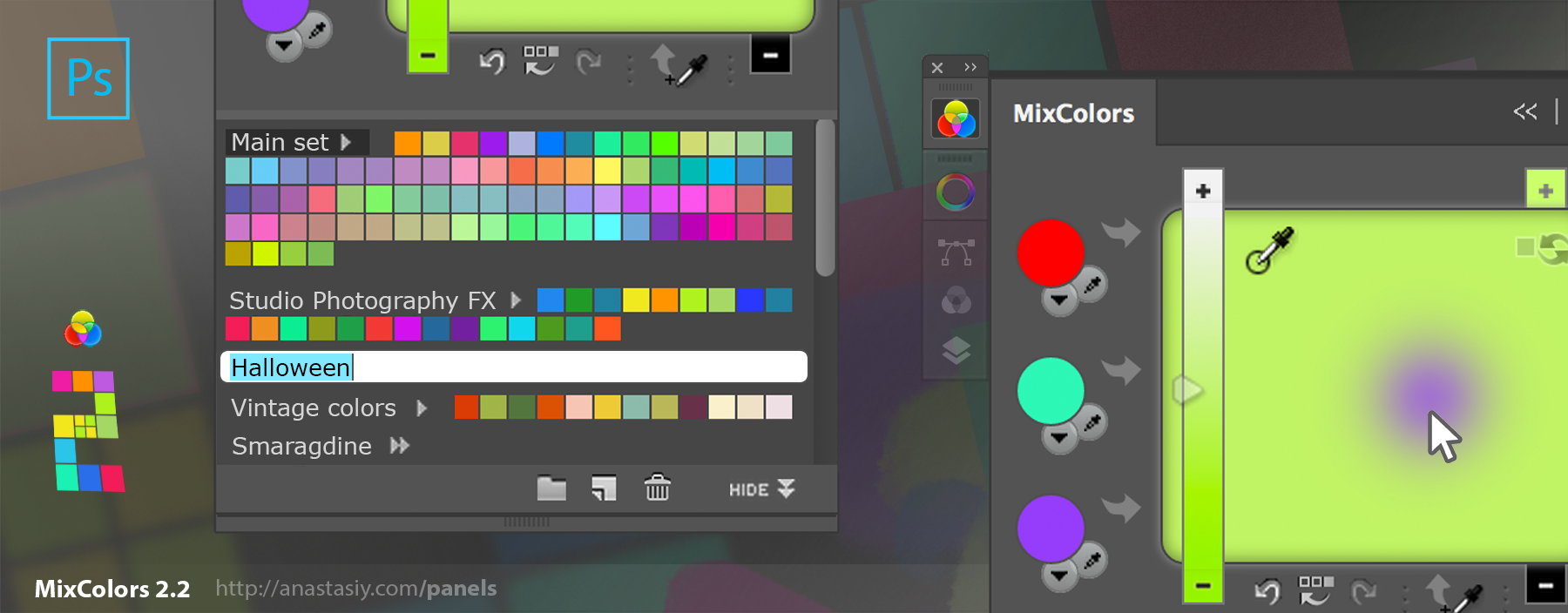
Holiday sale is on! Organize brushes, pick colors and work with color schemes on color wheel, mix colors, manage groups of swatches, browse fonts with MagicSquire, MagicPicker, MixColors, DiskFonts inside Adobe Creative Cloud and Creative Suite CS3, CS4, CS5, CS6, CC, CC2014, CC2015, CC2017!
MagicSquire is the new plugin for Adobe Photoshop that lets you organize brushes in smart and intuitive groups. While picture is worth a thousand words, the video is always worth million pictures, so see it in action, below!
The brief list of features includes:
Your brushes organized in colored groups in Photoshop! — Puts your brushes in easy-to-use folders collections. MagicSquire structures your brushes so you don’t need to look for them every time in neverending piles
Lets you rearrange brushes and brush groups with drag’n’drop
Create brushes from scratch — Just click the New Brush button to add current brush to the panel. Edit and update brushes. Click Update to update parameters from Photoshop, no need to recreate them
Be creative! MagicSquire automatically generates brush images with additional stroke types, never seen before in Photoshop: long, short, medium and brush texture. That lets you differentiate brushes visually
Supports custom .ABR Loading existing brush collections from .ABR files with one click! Supports very large files of 200M and above. Supports loading of thousands of brushes from one file. .TPL support is on the way
Versatile Groups can be collapsed and rearranged with drag’n’drop
Complete Photoshop brush types support: Mixer, physical, textured, patterned, ordinary – ALL OF THEM
Captures all brush parameters: brush size, flow, blend mode, opacity, etc. – you name it!
Combines all power of Brush Presets, Tool Presets and Liraries in one single panel. With new features essential to digital art
Full Photoshop Color UI Themes support
High resolution rendering of brush images with beautfiul detail. In addition supports Retina dn HiDPI displays. Supports Wacom Companion, Microsoft Surface, Macbook with Retina Displays, 4K, 5K and 8K displays