Change lighting of any image, match one image’s colors to another, convert images to same colors and more!
Get MagicTints, the 1-click color correction and color matching software
Programming, designing, painting, thinking, taking pictures and sharing tutorials
Change lighting of any image, match one image’s colors to another, convert images to same colors and more!
Get MagicTints, the 1-click color correction and color matching software
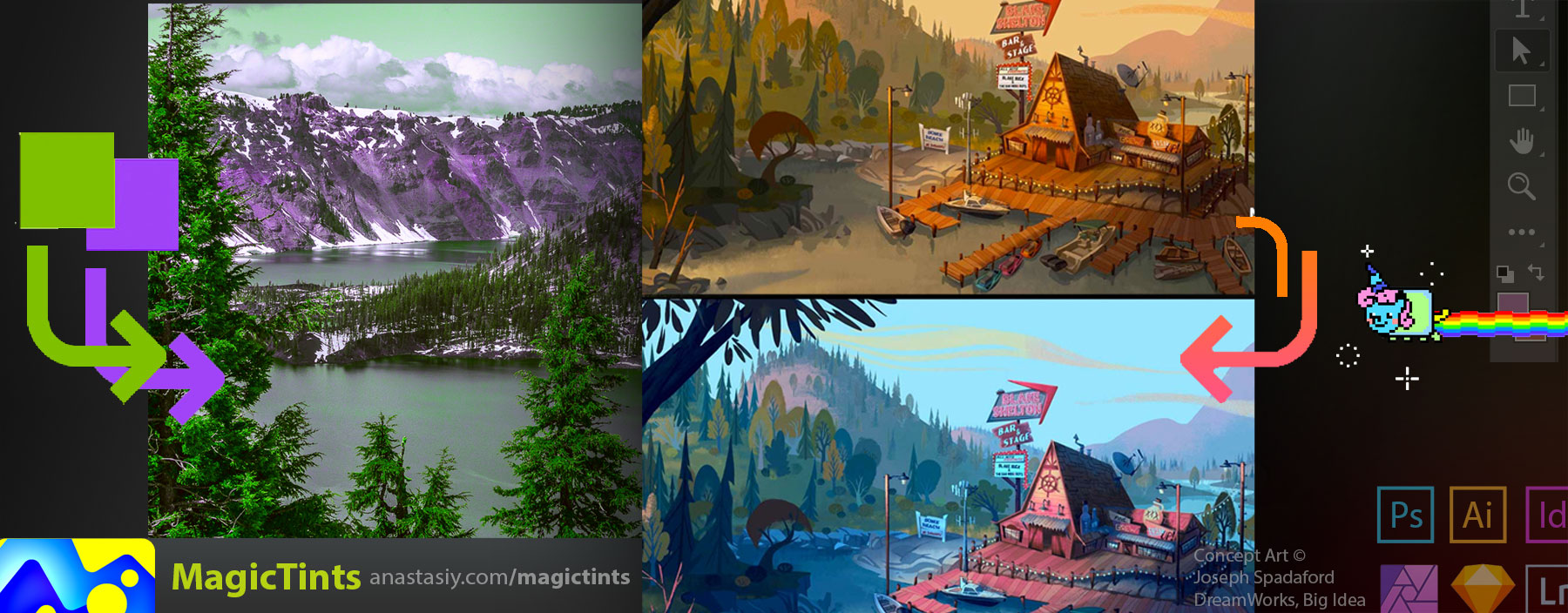
MagicTints — quickly switch any image’s colors. New-gen pro Color Matching between images… that works! Adjust mood, bring multiple images to the same color palette. All in 1 click!
– Switch lighting conditions or mood of any concept art, photo or texture
– Bring objects to background/matte color in 1 click
– Keep original micro-contrast, dynamic range, subtle details
– Forget LUTs. No late night tuning. Works in seconds
– Smartest color correction ever! Accuracy on subpixel level. Machine Learning core handles 8K+ resolutions
– Supports Photoshop, Illustrator, InDesign, Lightroom CC, XD CC, Affinity Photo, Sketch, iOS, Windows, macOS, Android (standalone)
– uses MagicPicker UI engine for faster speeds
– more
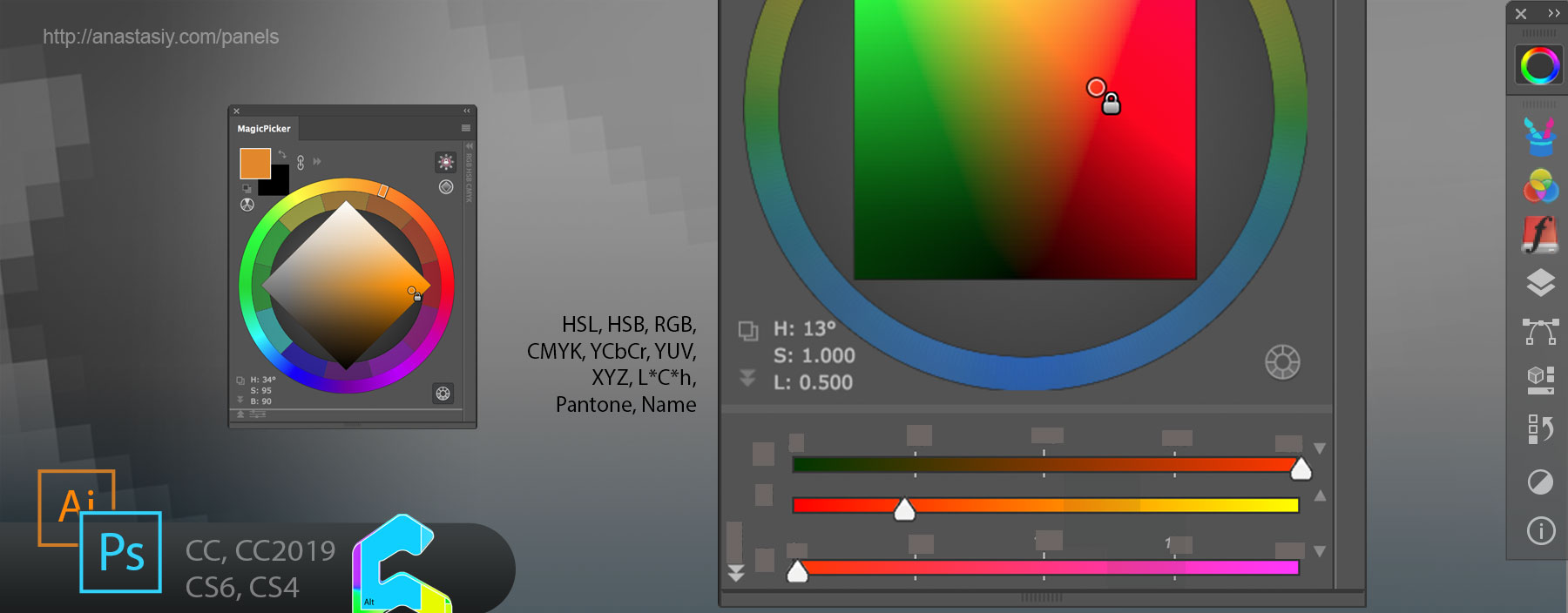
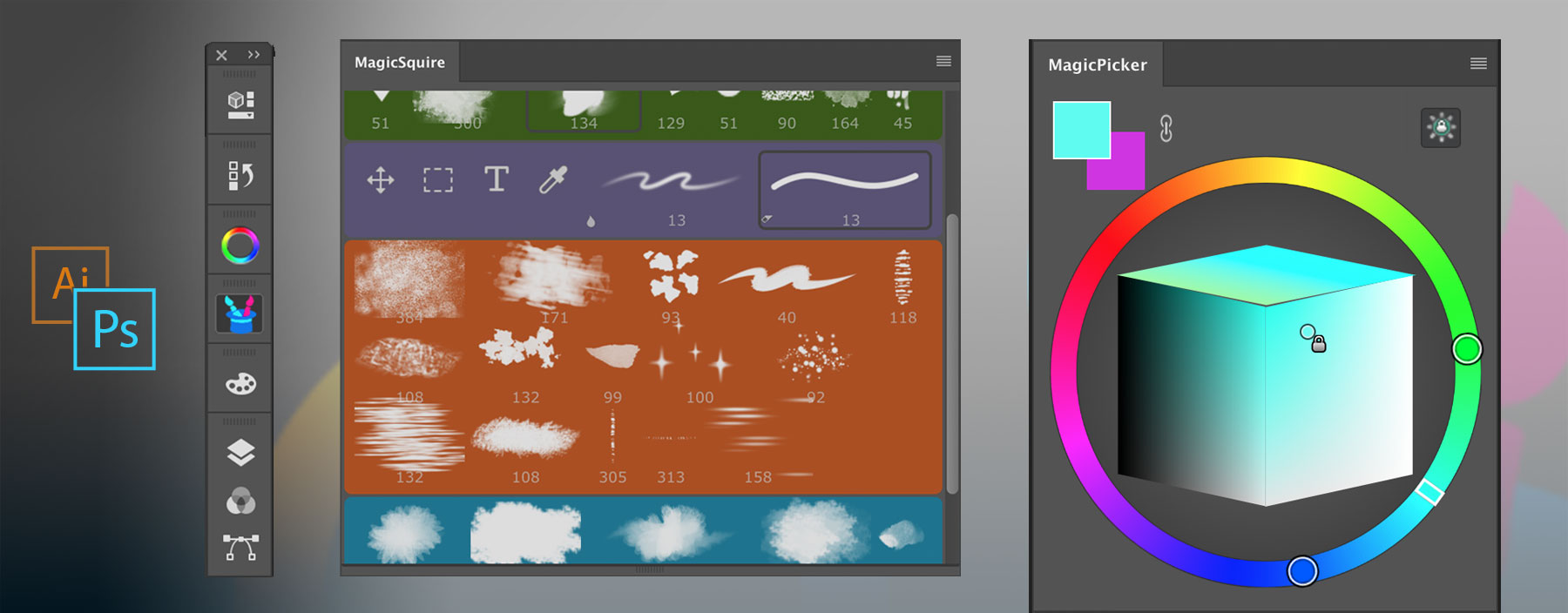
You can use MagicPicker panel in Photoshop to quickly get HSL, Pantone, YCbCr, YUV, XYZ, L*C*h or color name and copy to clipboard.

Use expandable field on the left bottom of the panel to see color values. Click on the field to switch between color spaces. Click on the Copy button to copy color values to clipboard.
MagicPicker is a professional Photoshop color wheel picker for CS4, CS5, CS6, CC, CC2014, CC2015, CC2017, CC2018, CC2019+
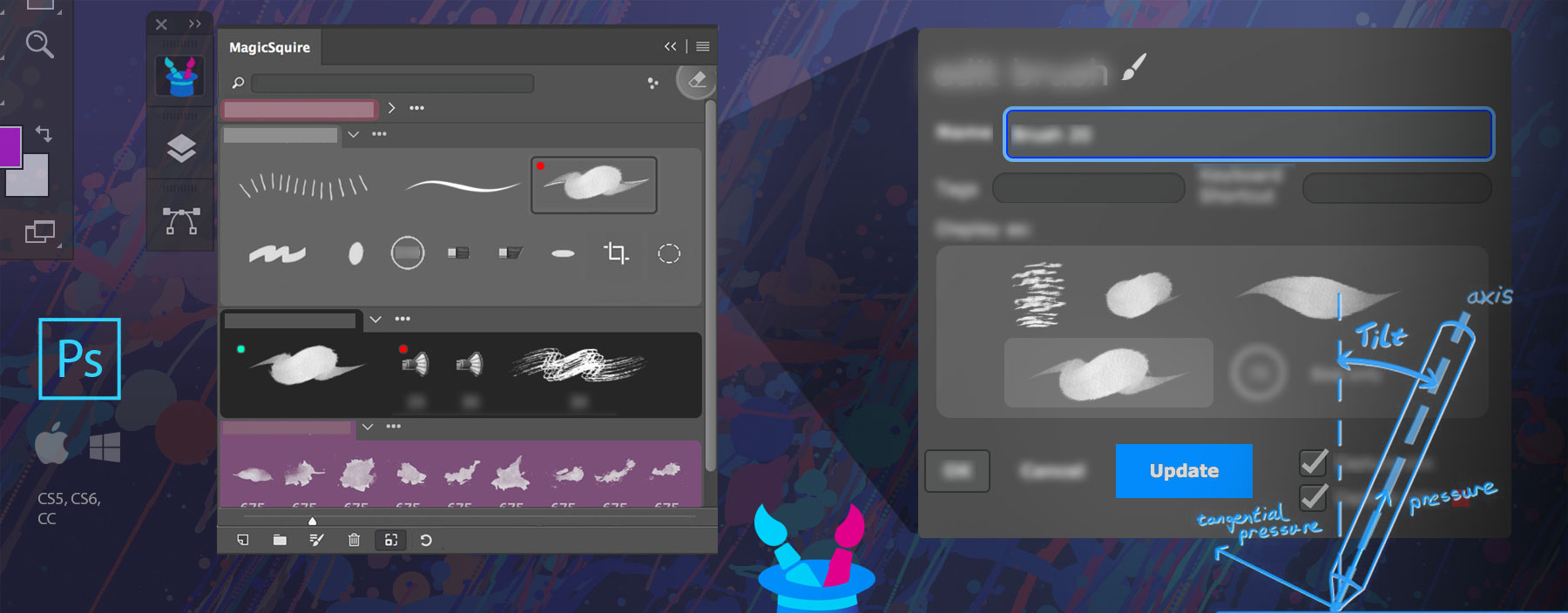
Finally you can update existing brush or tool settings – like Tilt, Brush Size, Shape Dynamics etc – in Photoshop using MagicSquire.

Double-click on the brush or click Edit button to bring up Edit Brush/Tool dialog, then change parameters in Photoshop and click Update button! No need to delete and then re-create brushes anymore!
MagicSquire is an advanced brush/tool manager for Adobe Photoshop
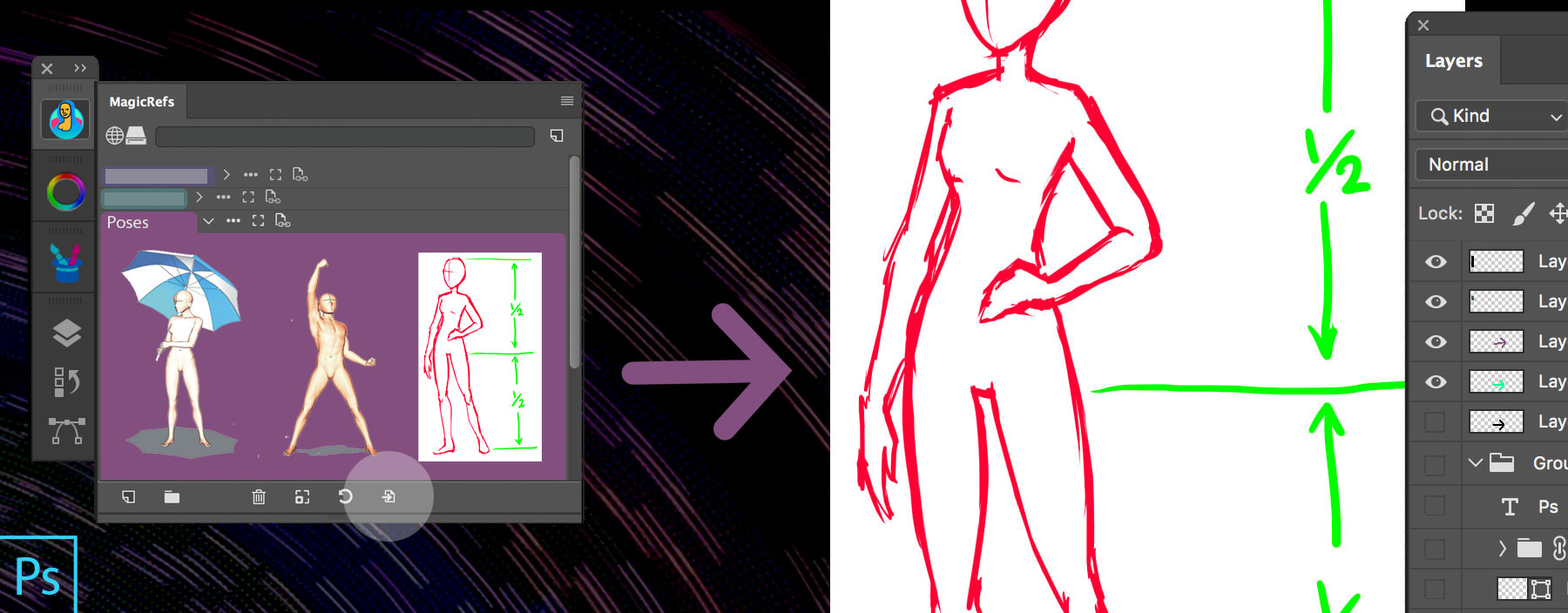
MagicRefs offers a deep integration with Photoshop. Without switching panels or software, with a single click inside your document you can insert a reference image from MagicRefs group into a new Smart Object.
Just click “Insert into Document” button. Works with multiple images.

MagicRefs is a professional reference image manager for Adobe Photoshop
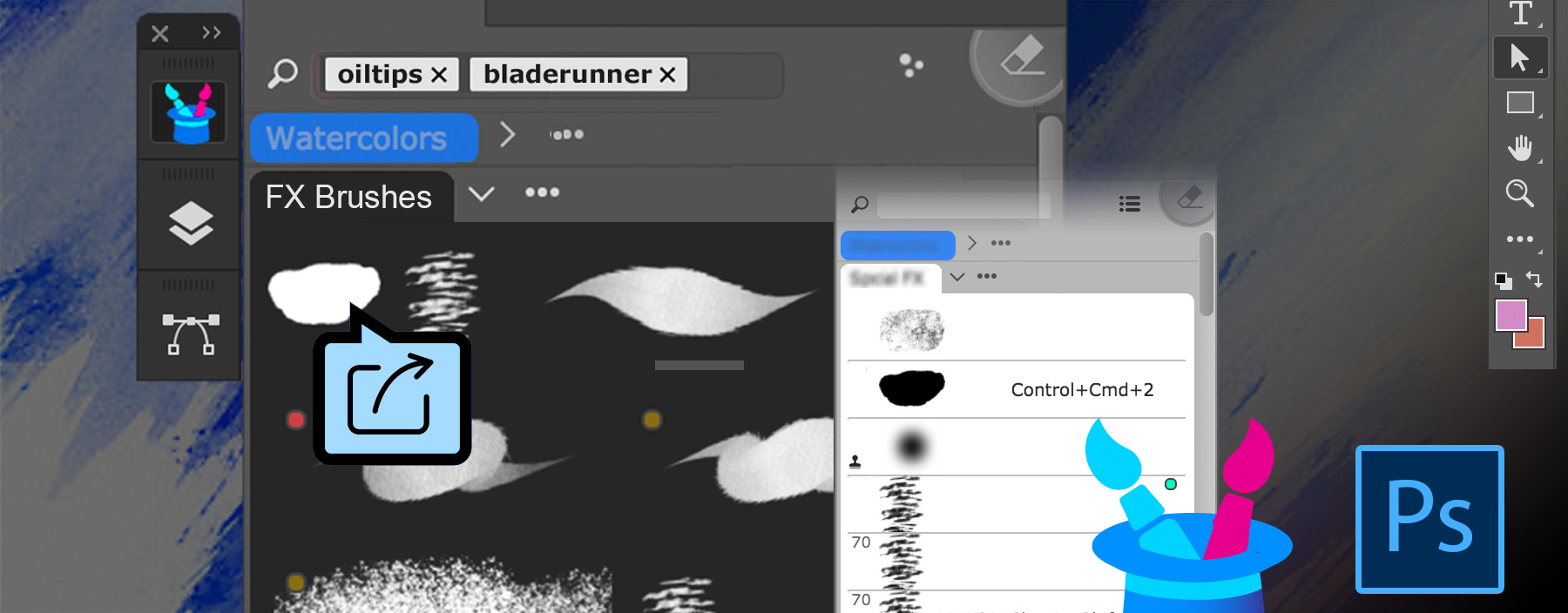
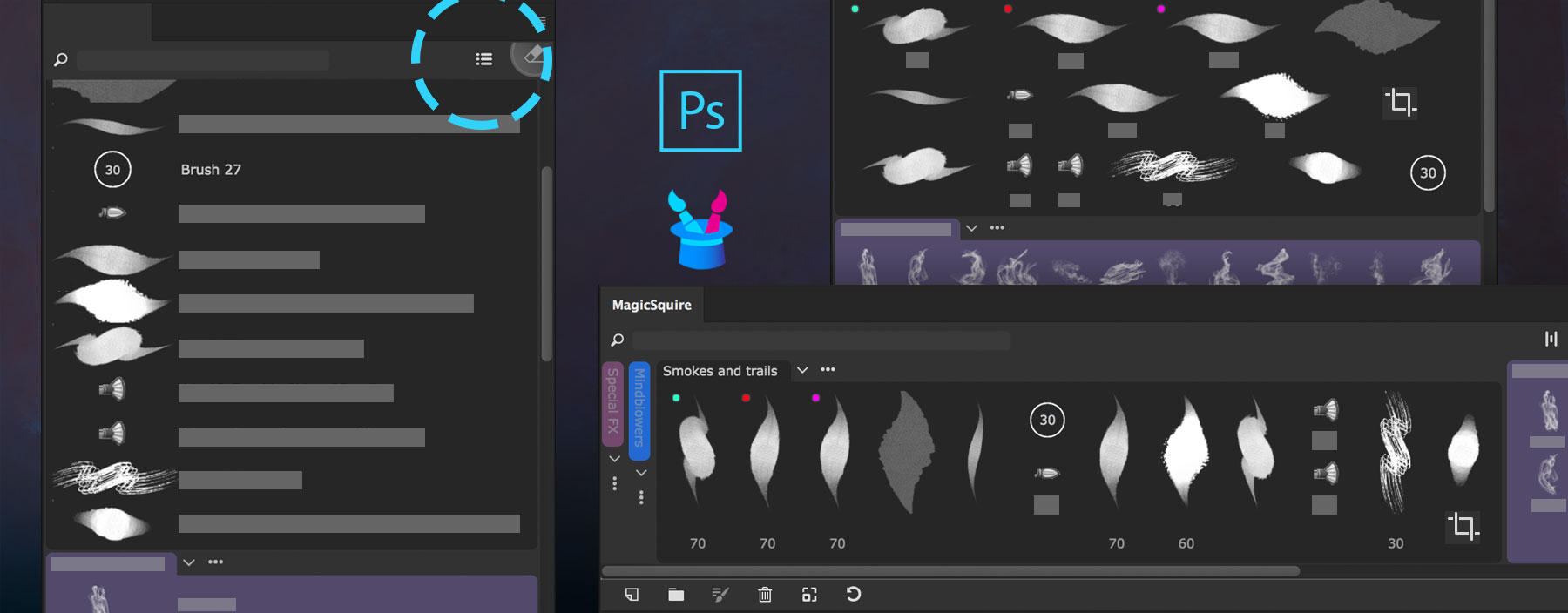
MagicSquire 3 offers different view modes depending on your Panel workspace in Photoshop, including two additional modes to what Photoshop offers.
MagicSquire Brush List View Modes
Two plain lists including long one (on the top left on the picture) and multi-column, also mixed mode (on the top-right) where you can see all your brushes at once and the horizontal one (right-bottom of the picture above) so you can attach MagicSquire panel to the bottom of your screen.
Click the “Change list display” button on the top right of the MagicSquire panel to switch modes.
See the brushes the way you want and quickly find the relevant one!
MagicSquire 3 is a professionalbrush management solution for Adobe Photoshop

Use PRO Mode to clarify MagicSquire & MagicPicker panels in Photoshop and Illustrator while keeping all functionality.
PRO Mode lets you see only the essential features of the panels to focus on your creative work.
Click Menu ► PRO Mode to activate/deactivate it.
MagicSquire is an advanced brush/tool manager for Adobe Photoshop

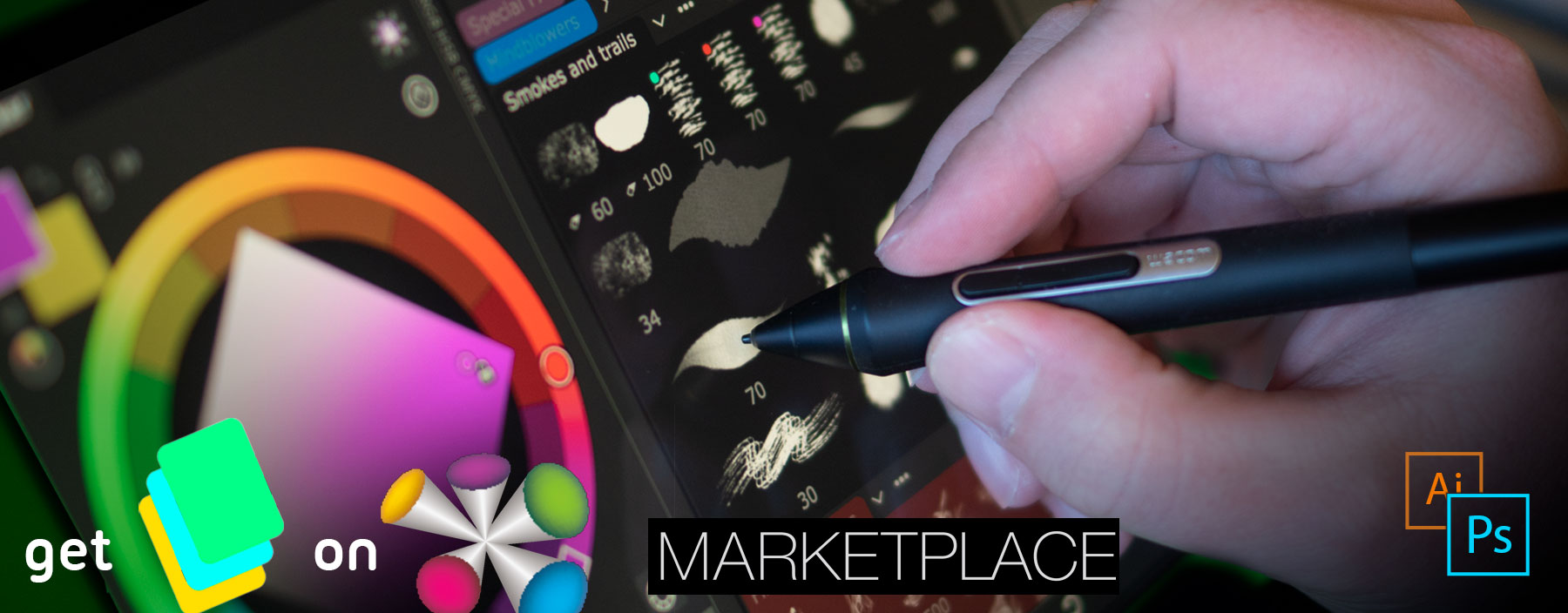
Anastasiy partners with Wacom to bring all our professional plugins and panels to Wacom devices through Wacom marketplace. Enjoy MagicPicker, MagicSquire and our other products on Cintiq, Intuos or Bamboo tablets!
Wacom Marketplace brings easy access to industry-leading software and services.
*Read detailed description on our website
You asked for it!

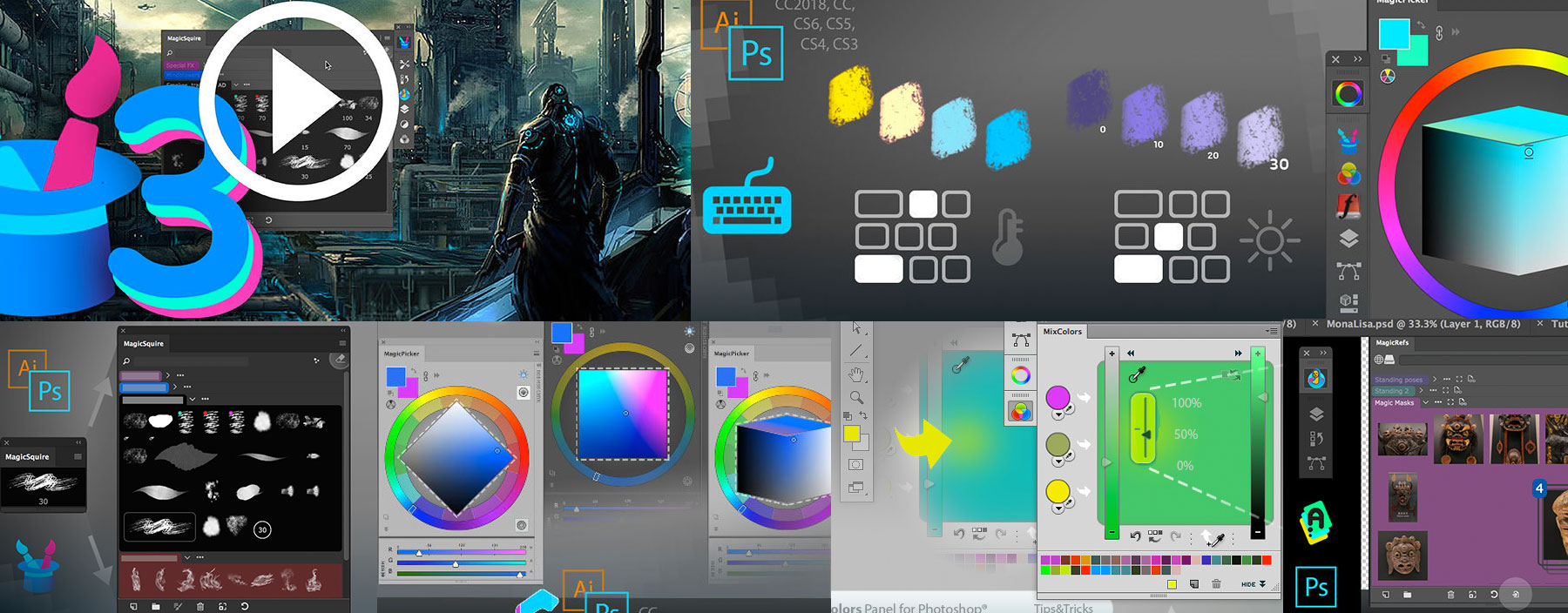
Get access to 80+ tutorials, tips, tricks and videos on essential features of MagicPicker color wheel, MagicSquire brush/tag manager, MagicRefs reference image manager and DiskFonts external font viewer
Increase your creative performance with smart Compact Mode. Shrink our panels in Photoshop into informative small tiles that auto-magically expand with simple mouse movement. Zero clicks allow you to focus on your work. No right-clicks or crazy keyboard shortcuts anymore!

MagicPicker color wheel, MagicSquire brush tag/group assistant, MagicRefs reference image manager and MixColors color mixer all support it in Photoshop (and Illustrator for MagicPicker). Activate Compact Mode from panel’s menu.